

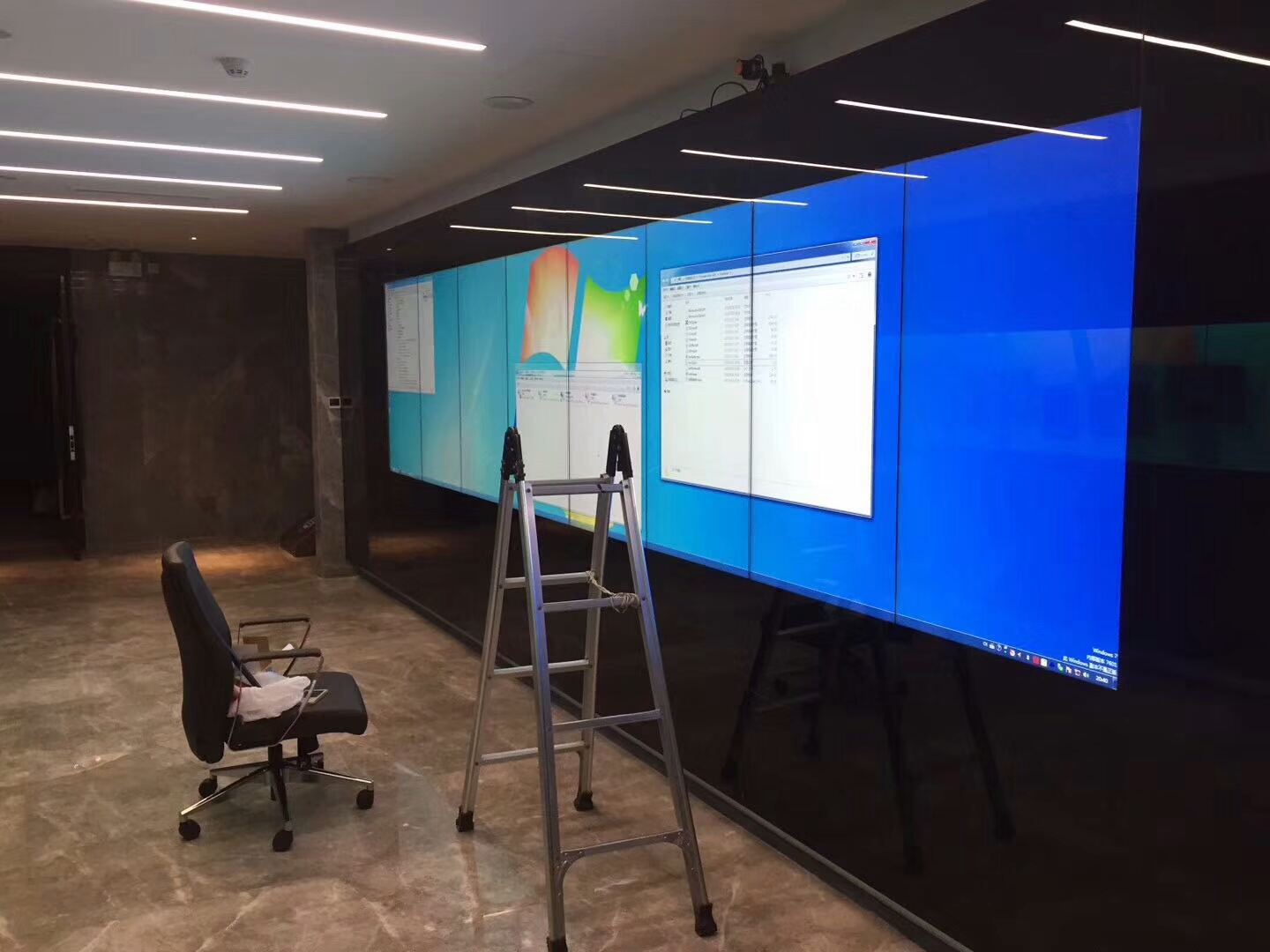
1×8 LCD Video Wall for Airport Flight Information
Description
Create a Continuous Flight Information Ribbon
A 1×8 LCD video wall for airport flight information suits check-in halls, arrival exits, baggage areas and long overhead corridors. Eight horizontal panels cover an extended field of view so passengers can identify the correct area before they reach a decision point.
The wall should not repeat eight identical lists. Zones can follow terminal area, airline, time window or direction of travel, while an important notice may occupy several adjacent areas. This balances browsing efficiency with urgent communication. The long format can guide several passenger streams while preserving one consistent visual identity across the terminal zone.
Arrange Fields in Passenger Decision Order
Flight number, destination, scheduled time, status and service location should use a stable column order. The most requested fields remain in the primary sightline, and advertising or assistance content stays separate so operational status is not compressed or moved repeatedly.
Arrival, departure, check-in and baggage areas need different templates. A delay, gate change or carousel update must show a clear update time and cannot rely on color alone. Stable field positions also reduce the time needed to compare adjacent flights when several services change together.
Protect Text and Numbers across Seven Bezels
Eight panels create seven joints. Flight numbers, times, gates and status fields need complete safe zones. Background rules may continue across panels, but one flight row should occupy a defined area so passengers do not reconstruct it across a bezel.
Test the 1×8 LCD video wall for airport flight information with the longest destination names, all languages and peak flight volume. Confirm type size, spacing and contrast at actual distance and with people partially blocking the lower view. A distant photographic review should confirm that important rows remain identifiable above normal passenger and luggage movement.
Connect Flight Data while Retaining Operational Control
The wall may receive a FIDS or another operations feed, but the interface, refresh rate, fault status and manual override must be defined. Automatic feeds manage flight fields, terminal operators publish local notices, and emergency messages retain the highest priority.
Every status needs a reliable time base. If the connection stops, a fallback page or visible last-update time must replace any old information that could be mistaken for live data. Operations should approve the fallback wording in advance so staff do not improvise a public message during data loss.
Plan Long-Distance Signals, Structure and Access
A row of eight panels makes wall flatness, accumulated bracket error and signal distance important survey items. Coordinate circuits, player position, cable routes and service access with airport operating restrictions.
Maintenance should preserve flight information in unaffected zones whenever possible. Number displays and cables from left to right and keep the backend mapping identical, shortening diagnosis in a busy public area. The survey must account for expansion joints and architectural tolerances that may affect alignment across the complete row.
Test Peak Flights and Disruption before Handover
Load realistic field lengths and multilingual content to check synchronization, ordering, status updates, safe zones and long-distance readability. The page must remain stable when the airport reaches peak data volume.
Simulate a delay, gate change, data interruption and player restart. The 1×8 LCD video wall for airport flight information is ready when operators can call manual notices, confirm the fallback page and follow the documented escalation route. Acceptance records should preserve sample data and photographs so later template updates can be checked against the same baseline.
Provide Location and Data Details for a Proposal
Submit the installation area, available width and height, viewing distance, passenger direction, operating hours, FIDS interface, languages, content zones and network conditions. Include suspended mounting or night-work constraints where applicable.
These details determine signal extension, canvas mapping, mounting, power, control and commissioning. Clear ownership for data integration and acceptance fields prevents repeated changes after installation. For a 1×8 LCD video wall for airport flight information, the data responsibility matrix is as important as the display hardware.
Frequently Asked Questions
Can the wall show live flight data?
Yes. It requires an authorized FIDS or operations interface with defined refresh and fault behavior.
Can arrival and departure information share the wall?
Yes. The canvas can be divided into continuous zones according to the processor and content design.
Should a flight number cross two panels?
No. Keep critical fields inside one safe area so a bezel cannot reduce recognition.
What appears when the data feed stops?
The system should show a last-update warning or fallback page, as defined and tested during integration.
Inquiry
You must be logged in to post a review.
Related products
-

3×9 LCD Video Wall for Executive Briefing Centers
Create a Shared Evidence Wall…
-

3×3 LCD Video Wall for Industrial Process Monitoring
Build the Wall Around the…
-

2×2 LCD Video Wall System for Meeting Rooms
A Four-Panel Solution for Meetings…
-

3×4 LCD Video Wall for Emergency Coordination Rooms
Turn Twelve Screens into an…
Reviews
There are no reviews yet.