



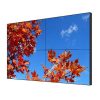


55 Inch 2×2 LCD Video Wall for Security Monitoring Centers
A four-panel monitoring display for cameras, alarms, maps and access-control information in security operations.
Description
Bring Cameras, Alarms and Maps into One Shared View
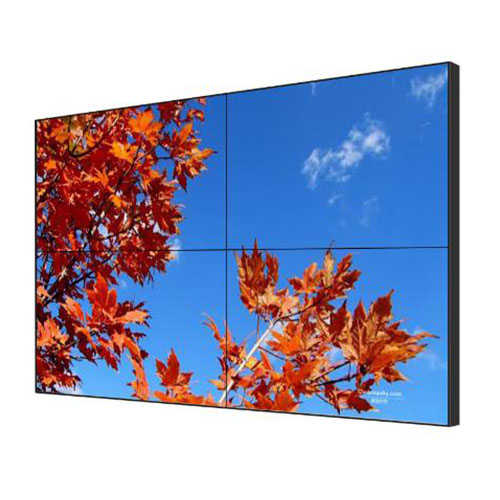
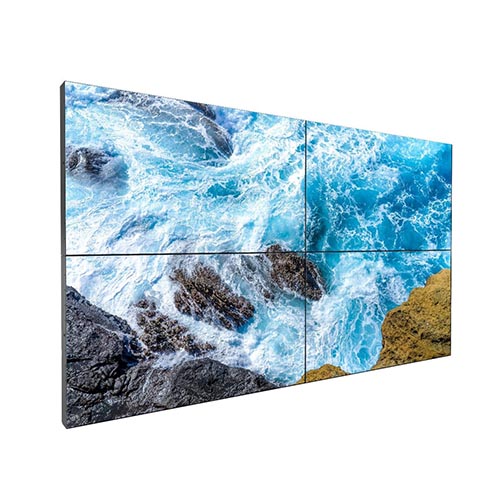
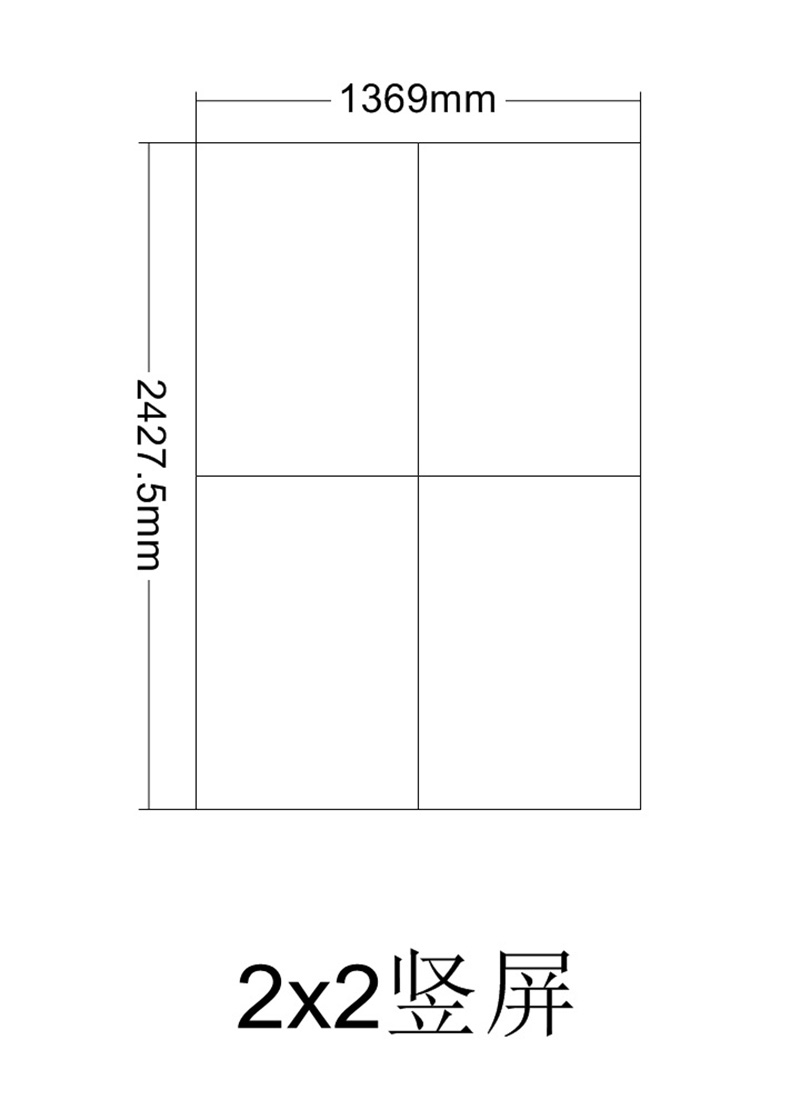
A 55 inch 2×2 LCD video wall for security monitoring centers gives operators a balanced four-panel surface for surveillance video, access-control events, alarm queues and site maps. The square format fits compact control rooms while providing enough space to enlarge a priority camera without removing every supporting source from view.
Routine layouts can assign one operating function to each quadrant. During an incident, the selected camera may expand across two or four panels while the alarm record and location map remain visible in smaller zones. This approach supports verification and response instead of filling the wall with many equally sized feeds that compete for attention.
Match Screen Layouts to the Security Response Process
The display should follow the way the team detects, verifies, escalates and records an event. Saved presets can cover normal patrol, access alarms, perimeter incidents, fire-system coordination and investigation review. Clear preset names allow operators to change views quickly without manually rebuilding windows during a time-sensitive situation.
Information ownership also matters. Surveillance staff may control cameras, facilities teams may provide building alarms, and supervisors may authorize incident layouts or recording. Defined permissions reduce accidental changes and keep sensitive sources away from unauthorized users or public-facing screens.
Keep Evidence Clear Across the Central Bezel Intersection
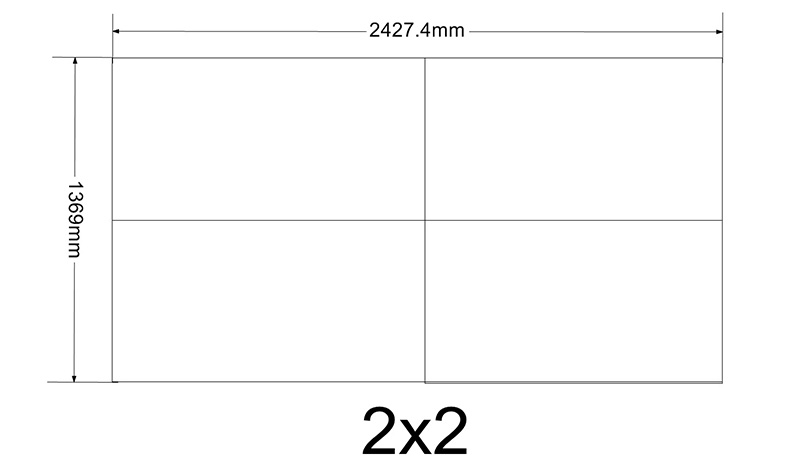
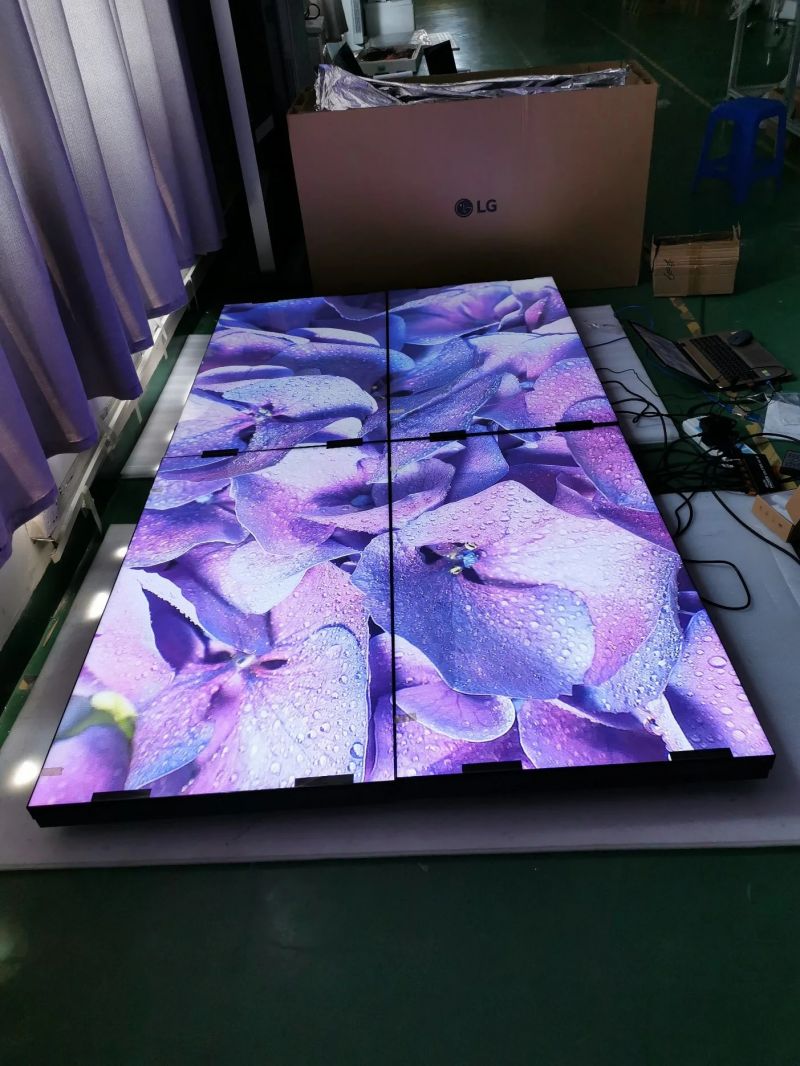
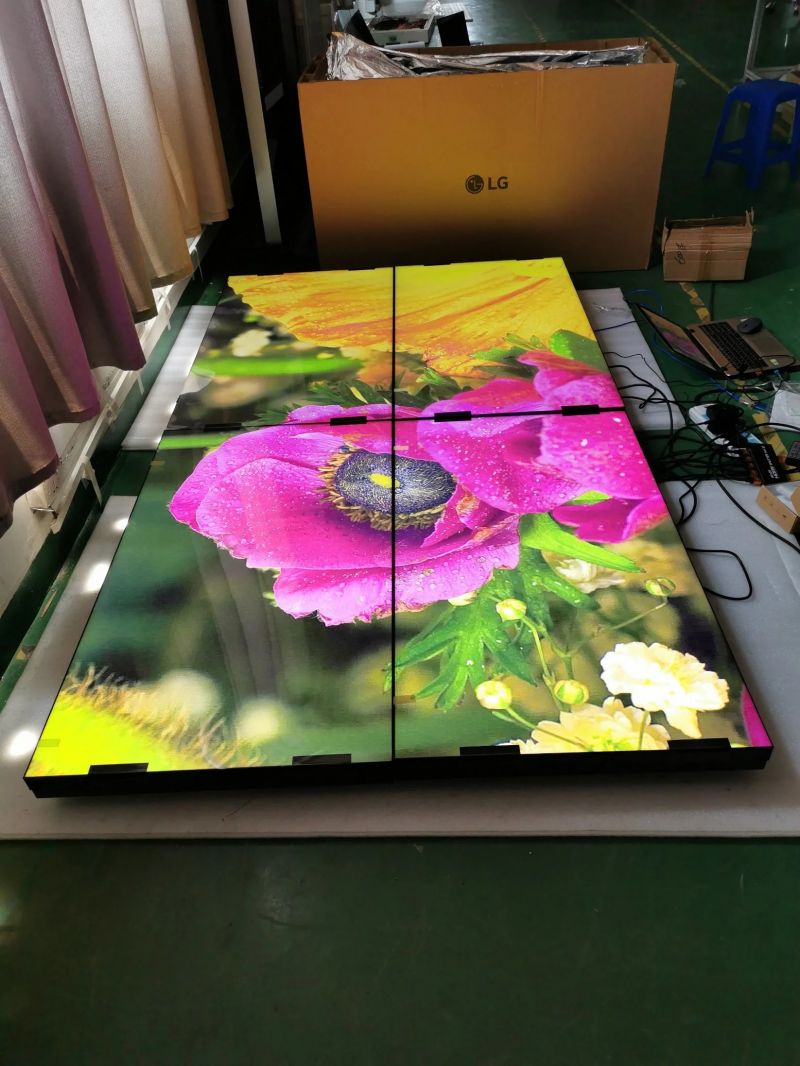
A 2×2 grid creates one central intersection where four panel edges meet. Faces, license plates, timestamps, access records and map coordinates should not be placed directly on that point. Templates need safe zones for single-camera, quad-view, map-plus-video and video-conference layouts.
Operators should test the 55 inch 2×2 LCD video wall for security monitoring centers from the normal console distance. Real camera feeds reveal compression, low-light and motion issues that are not visible in promotional artwork. Color consistency, scaling and synchronization should be checked with daytime, nighttime and recorded sources.
Connect Security Systems with Reliable Fallbacks
Before installation, document camera recorders, management workstations, access-control servers, alarm platforms and conference inputs. Confirm connector type, output resolution, copy protection, network restrictions and the number of simultaneous windows. Timestamps should share an approved time source so video and event records can be compared accurately.
A network interruption must not leave operators with an unexplained frozen image. Source status, local fallback content and escalation procedures should be visible and documented. Critical views can use an approved backup path where the continuity requirement justifies it, while routine systems can follow a simpler recovery plan.
Install for Alignment, Cooling and Service Access
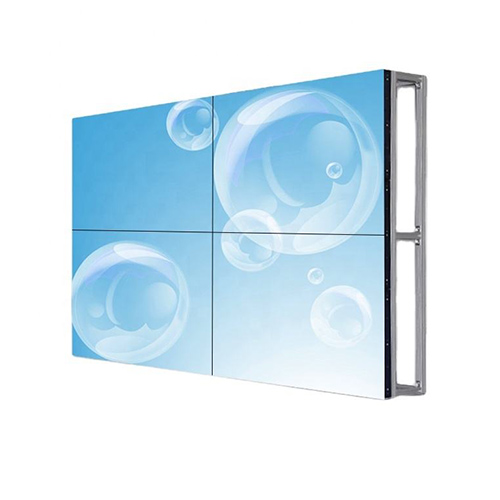
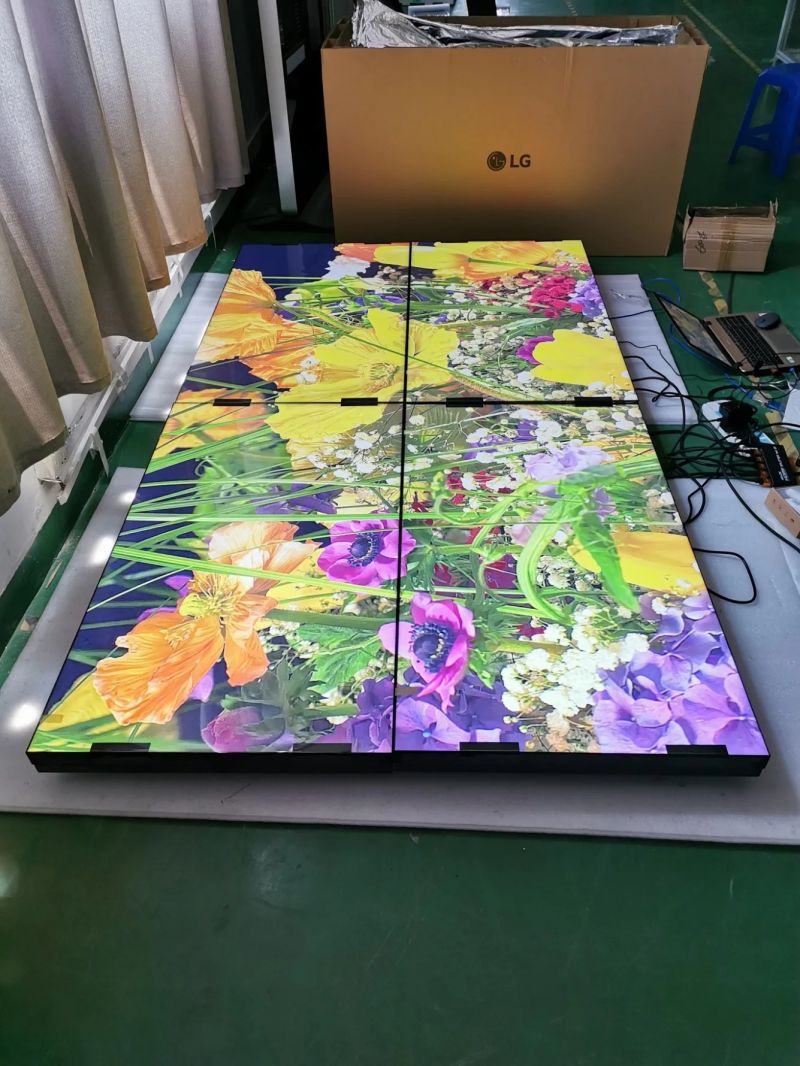
The site survey should confirm wall strength, mounting plane, power distribution, ventilation, cable routes and the clearance needed to remove one panel. Small alignment errors are especially visible at the center of a 2×2 wall. The mounting structure should allow precise adjustment without placing stress on the panel frames.
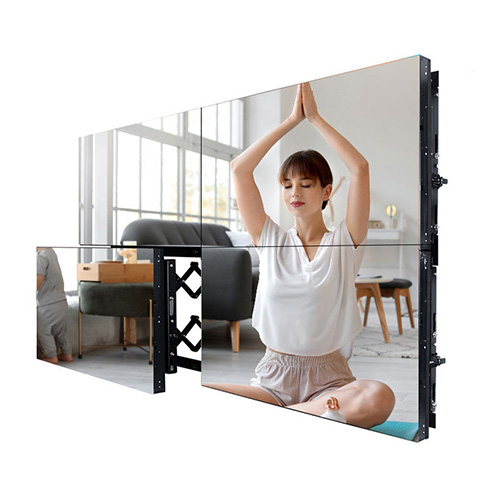
Maintenance planning should identify panel positions, signal paths and power branches. Labelled cables, documented settings and suitable spare parts shorten outages. Cleaning access and room lighting should also be considered because reflections or dust can reduce the visibility of dark surveillance scenes.
Complete Acceptance with a Real Incident Exercise
Testing should include alarm receipt, camera recall, map verification, preset switching, conference connection and incident review. Confirm that the priority view becomes visible within the required time and that operators can return to the approved routine layout without losing essential context.
For quotation, provide room photographs, console distance, camera and system counts, source resolutions, operating hours, security rules, mounting conditions and recovery objectives. These inputs allow the display, processor, mounting, cabling, commissioning and training scope to be compared accurately.
Frequently Asked Questions
Can each panel show an independent source?
Yes. A compatible processor can assign one source to each panel or span one source across selected panels.
Can one camera expand across all four panels?
Yes. Saved layouts can switch a priority camera to the full canvas while retaining other information when required.
Will a single panel fault remove the whole wall?
A panel fault is normally local, but the actual effect depends on power and signal architecture and should be tested.
What should be included in handover?
Provide approved presets, source labels, recovery steps, access permissions, maintenance records and operator training.
You must be logged in to post a review.
Related products
-

2×2 LCD Video Wall System for Meeting Rooms
A Four-Panel Solution for Meetings…
-
6×3 LCD Video Wall for Public Safety Control Rooms
Support Public Safety Duty Teams…
-

4×5 LCD Video Wall for Shopping Center Event Spaces
Build a Flexible Twenty-Panel Canvas…
-
2×1 Vertical LCD Video Wall for Retail Stores
Use Vertical Space for a…
Reviews
There are no reviews yet.