

5×4 LCD Video Wall for Event Production Centers
A twenty-panel production display for live feeds, schedules, program output and event coordination.
Description
Coordinate the Entire Event from a Twenty-Panel Canvas
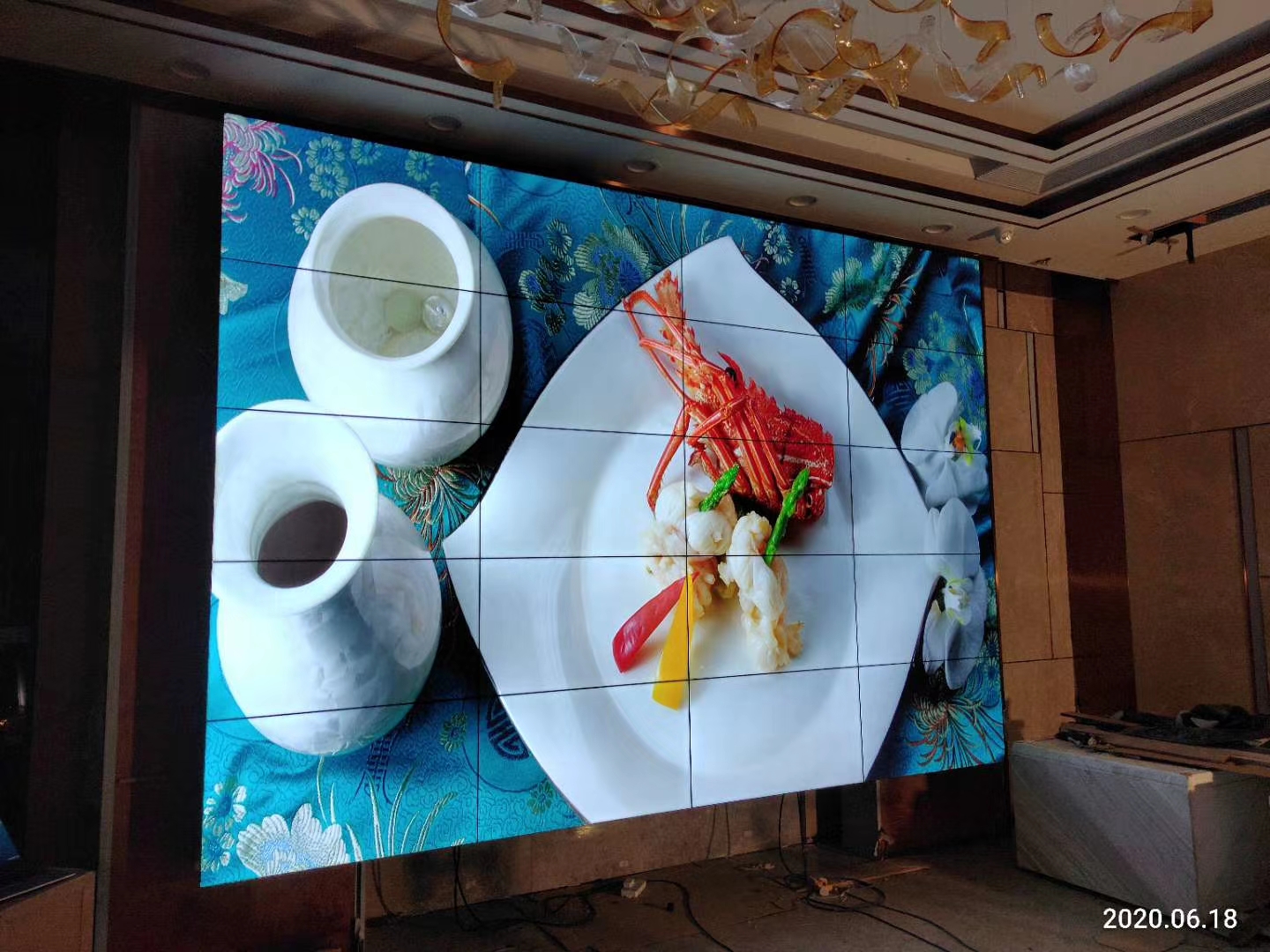
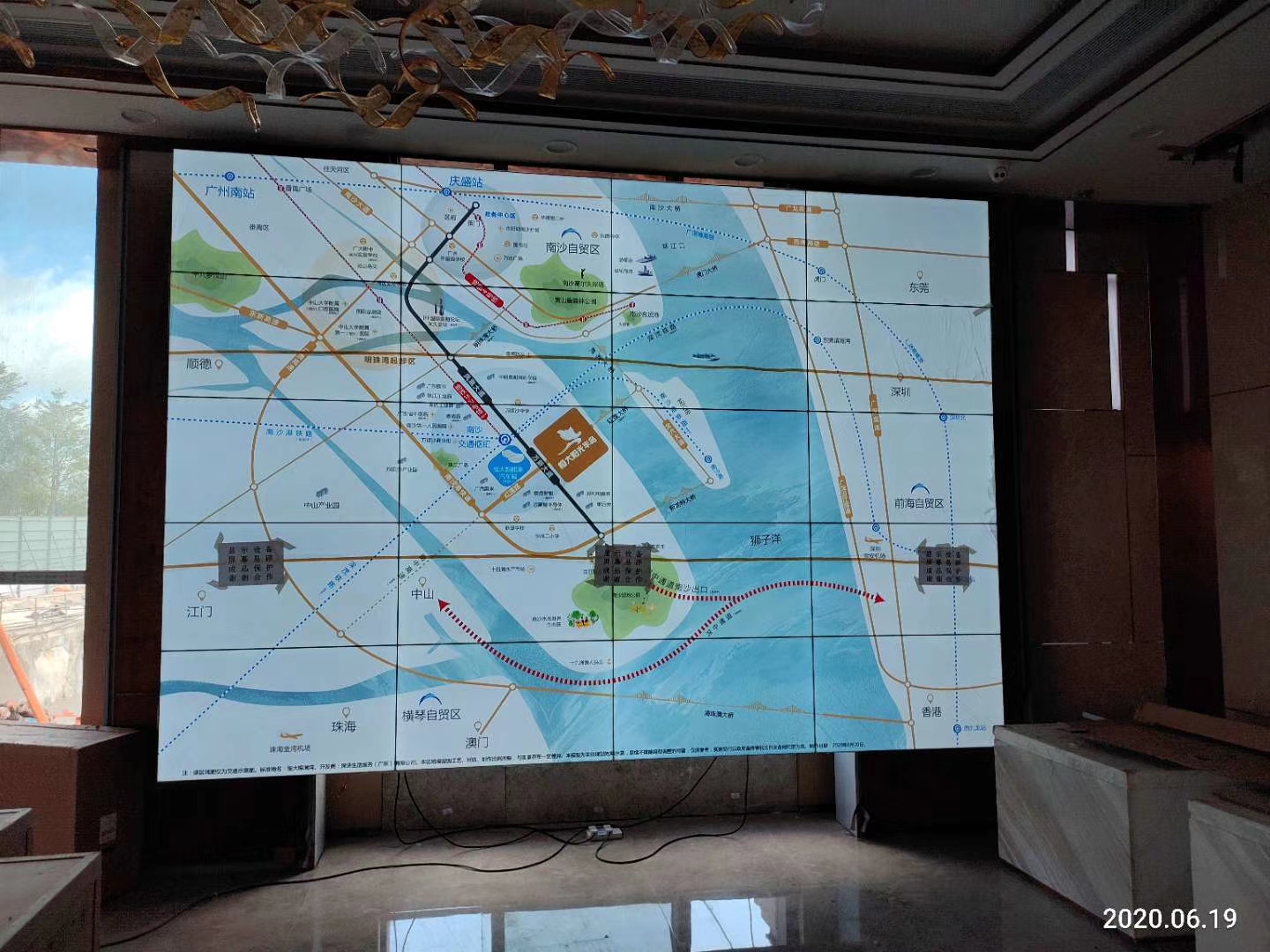
A 5×4 LCD video wall for event production centers gives technical teams a wide twenty-panel surface for program output, preview feeds, presentation sources, schedules and communication channels. The format supports large venues, exhibition halls and broadcast-style event control areas where operators must compare several live inputs without losing sight of the audience-facing result.
The wall should be organized around production responsibility. The program feed may occupy the main area, while preview, graphics, camera returns, presentation computers and timing information remain in stable supporting zones. Saved scenes for rehearsal, opening, presentation, performance and closing reduce manual changes during a live program.
Separate Preview, Program and Technical Status
Operators need to distinguish what the audience currently sees from material that is being prepared. Clear borders, source labels and tally information help prevent a preview feed or backstage screen from being sent to the main display. Timing, audio status and communication windows should retain predictable positions across every production preset.
External organizers may bring different computers, cameras and streaming systems. An input schedule should record connector type, resolution, frame rate, audio routing and responsible operator before rehearsal. This avoids last-minute conversion problems and keeps temporary equipment separate from the venue’s permanent network.
Use Safe Zones for Titles, Faces and Sponsor Graphics
A twenty-panel grid contains many bezel intersections. Presenter names, sponsor logos, captions and QR codes should remain inside defined safe areas. Background visuals can cross the full canvas, but important information needs templates that protect it from panel joints.
The 5×4 LCD video wall for event production centers should be checked with real camera feeds, slide decks and motion graphics. Stage lighting and dark control-room conditions may reveal brightness or color differences that are not obvious in a factory test pattern. Camera exposure should also be reviewed when the wall appears behind a presenter.
Build Reliable Control and Fallback Paths
Document the processor, switcher, presentation inputs, media servers, streaming encoders and control stations as one signal system. Saved configurations, consistent labels and restricted permissions reduce production errors. Temporary users should receive only the access required for their event.
A fallback source should be ready for loss of a presentation computer, network stream or media server. The production team needs a clear method to move to the fallback and return to the normal scene. Source status should be visible so a frozen picture is not mistaken for a live feed.
Plan Installation and Service Around the Event Calendar
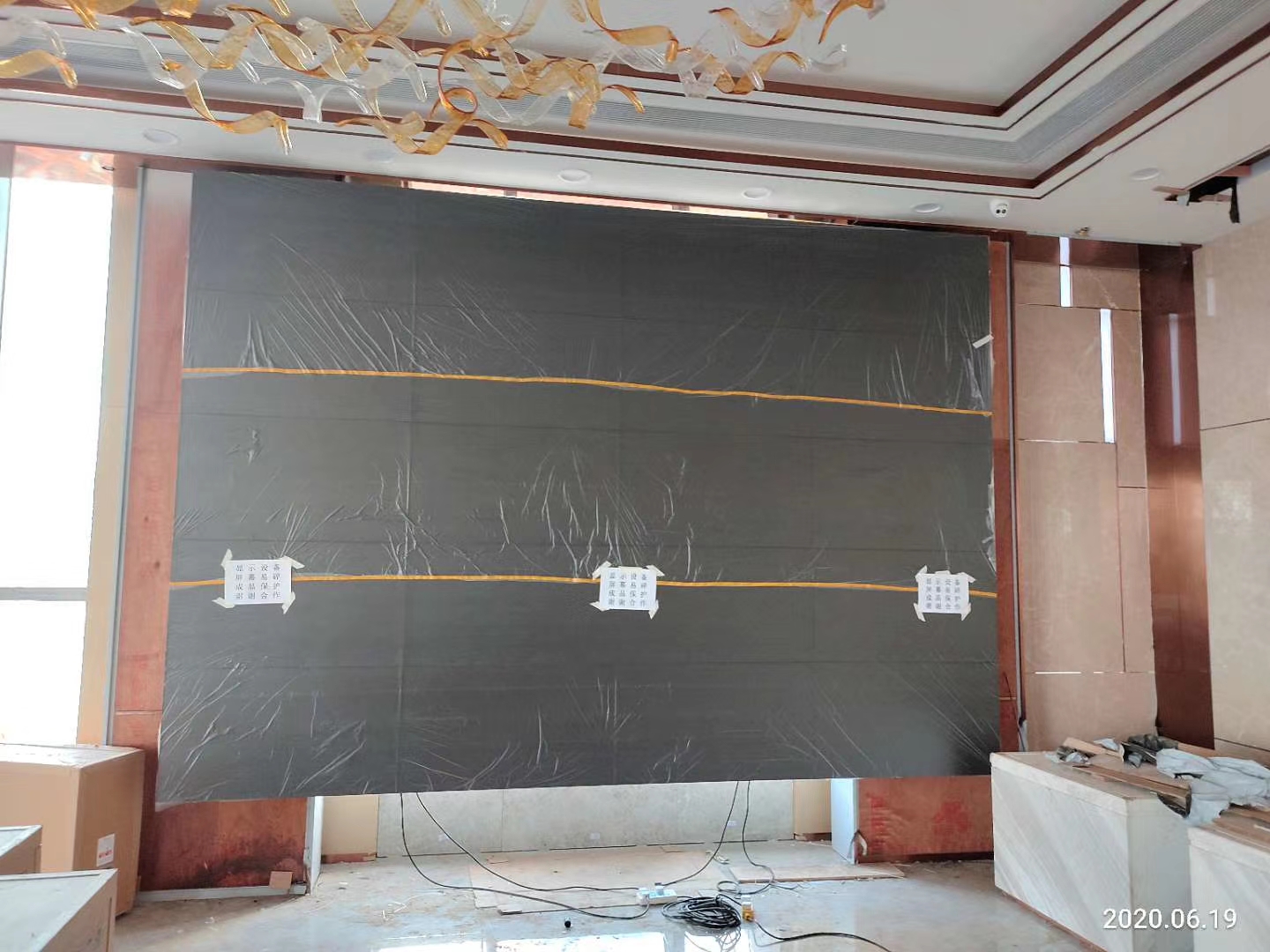
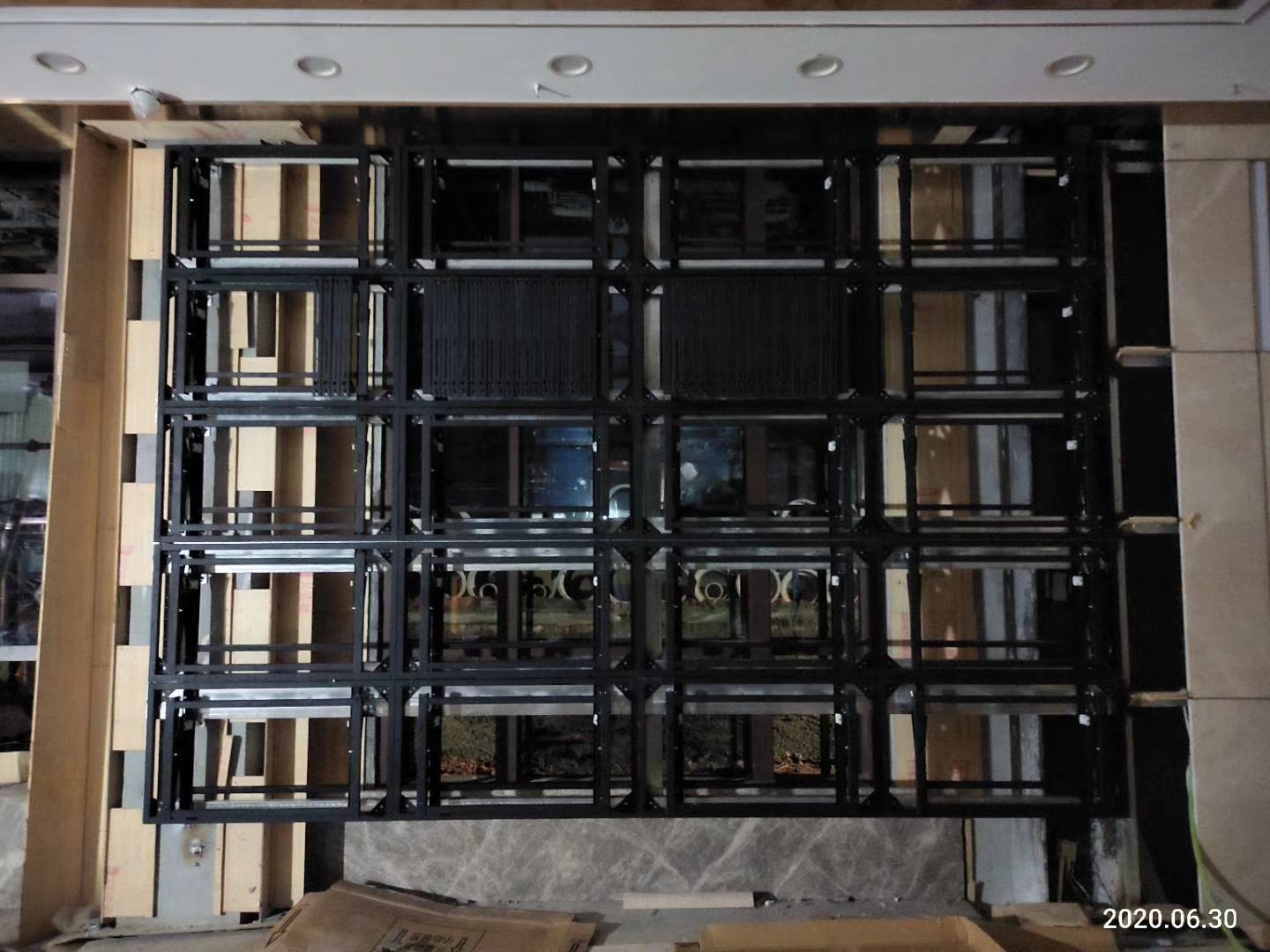
The survey should confirm wall structure, power, signal distance, rack location, ventilation and panel access. Alignment must remain consistent across all twenty panels. Cable routes and service areas should not conflict with audience circulation, fire equipment or temporary stage construction.
Maintenance windows may be limited between events. Labelled panel positions, power branches and signal paths allow targeted work. Spare parts, stored settings and a documented restart sequence help the venue restore service without rebuilding the complete production system.
Rehearse before Final Acceptance
Acceptance should follow a complete show sequence using actual sources. Test preview-to-program switching, graphics, captions, camera return, audio synchronization, stream loss and fallback recovery. Review the wall from operator positions and from any public location where it may be visible.
For quotation, provide wall dimensions, source count, event types, operating schedule, control location, streaming requirements and service restrictions. These details define the display, processing, mounting, cabling, commissioning and training scope.
Frequently Asked Questions
Can the wall display many live sources at once?
Yes. Window capacity depends on the selected processor and must be confirmed against the source plan.
Can one source fill the complete wall?
Yes. A saved scene can expand the program output across all panels.
Should sponsor logos cross panel joints?
No. Keep complete logos inside approved safe zones.
What should be tested during rehearsal?
Test every live source, graphics, switching, timing, fallback path and recovery procedure.
Inquiry
You must be logged in to post a review.
Related products
-

4×5 LCD Video Wall for Shopping Center Event Spaces
Build a Flexible Twenty-Panel Canvas…
-
2×1 Vertical LCD Video Wall for Retail Stores
Use Vertical Space for a…
-

3×1 Vertical LCD Video Wall for Shopping Malls
Fit a Tall Digital Surface…
-
4×1 Vertical LCD Video Wall for Broadcast Studios
Build a Clear Production Hierarchy…
Reviews
There are no reviews yet.