

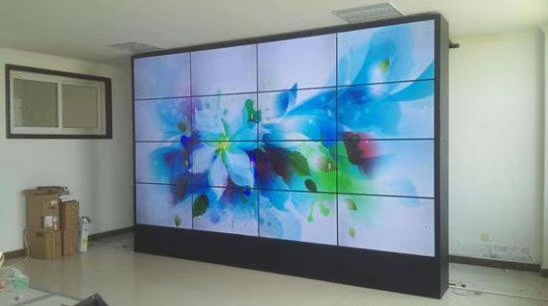
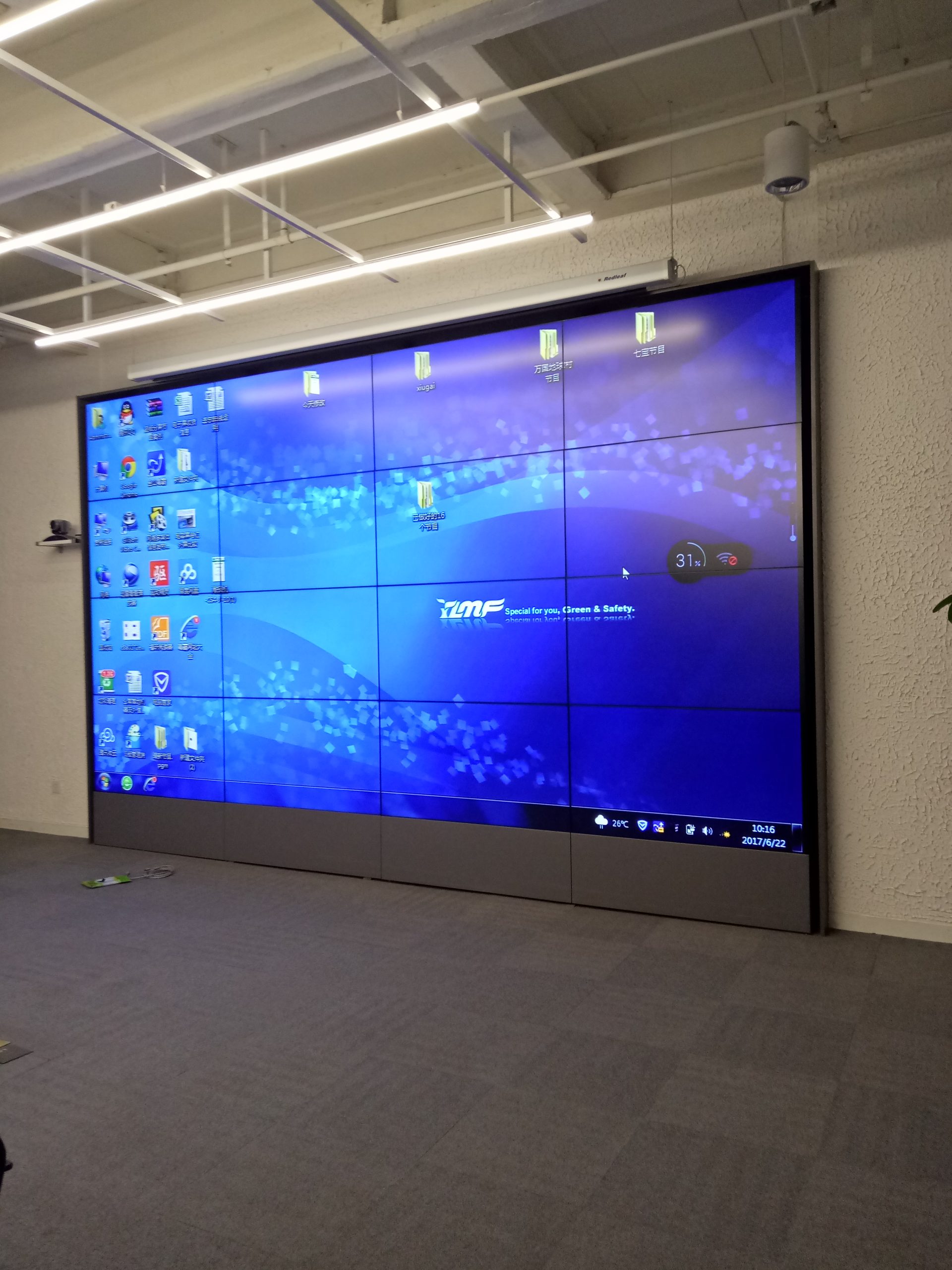
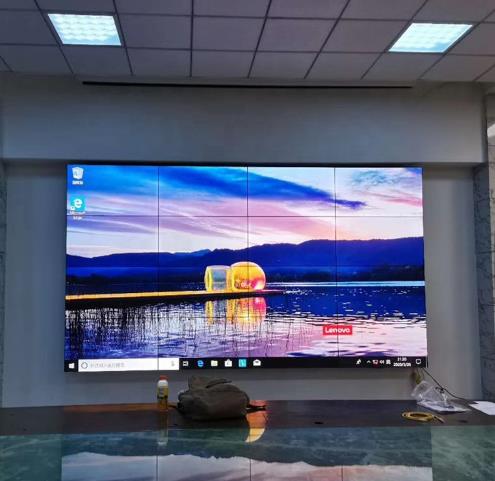
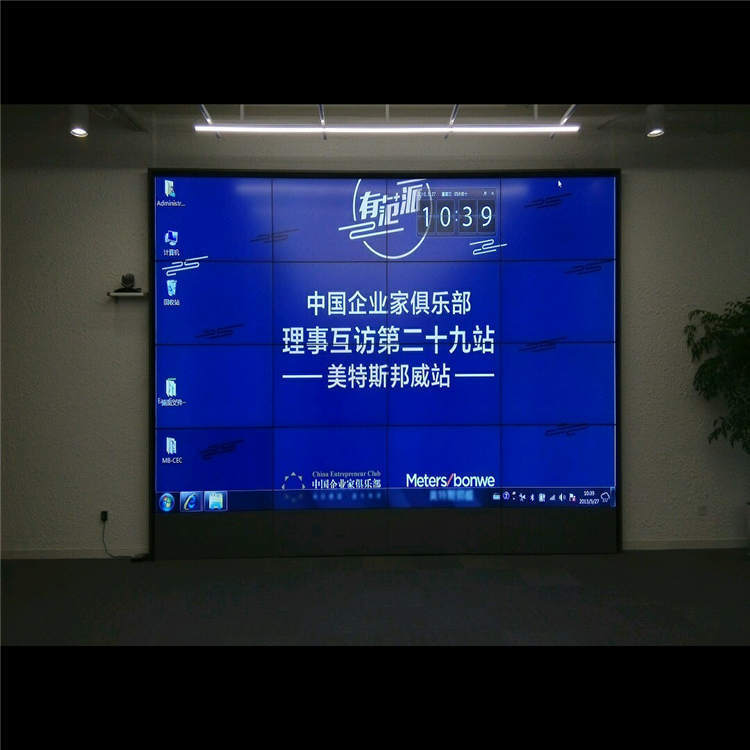

4×4 LCD Video Wall for Network Operations Centers
A sixteen-panel monitoring canvas for infrastructure status, incident response and service-performance dashboards.
Description
Give Network Teams a Shared Operational Picture
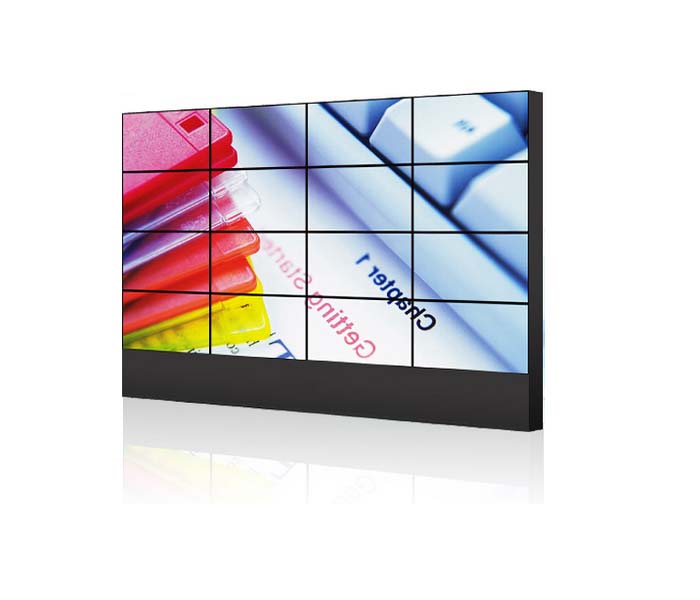
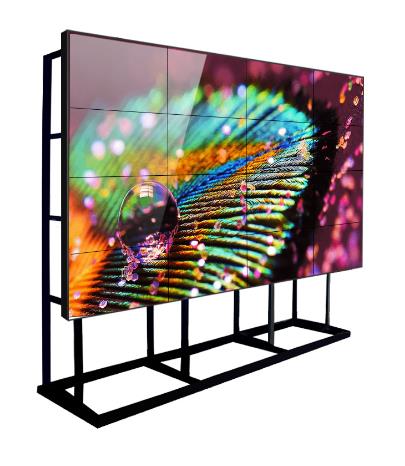
A 4×4 LCD video wall for network operations centers provides sixteen display zones for infrastructure health, service alerts, traffic trends and incident collaboration. A central dashboard can show overall status while surrounding zones retain topology maps, ticket queues, regional performance and conference windows.
The wall should reduce the time required to understand an incident. Routine layouts can remain stable during normal service, then switch to an incident preset that enlarges the affected network, responsible team and recovery timeline. Priority must be based on operational impact rather than the number of available sources.
Build Presets Around Detection, Diagnosis and Recovery
Network teams usually move through several stages: alert review, impact confirmation, technical diagnosis, escalation and service restoration. Saved layouts should support each stage with consistent source names and clear ownership. This prevents operators from manually arranging windows while customers are affected.
Dashboards from monitoring, ticketing, security and communications platforms may use different colors and status definitions. A shared severity model, synchronized timestamps and visible data-age indicators help the team distinguish a live problem from delayed or stale information.
Protect Detailed Dashboards from Bezel Intersections
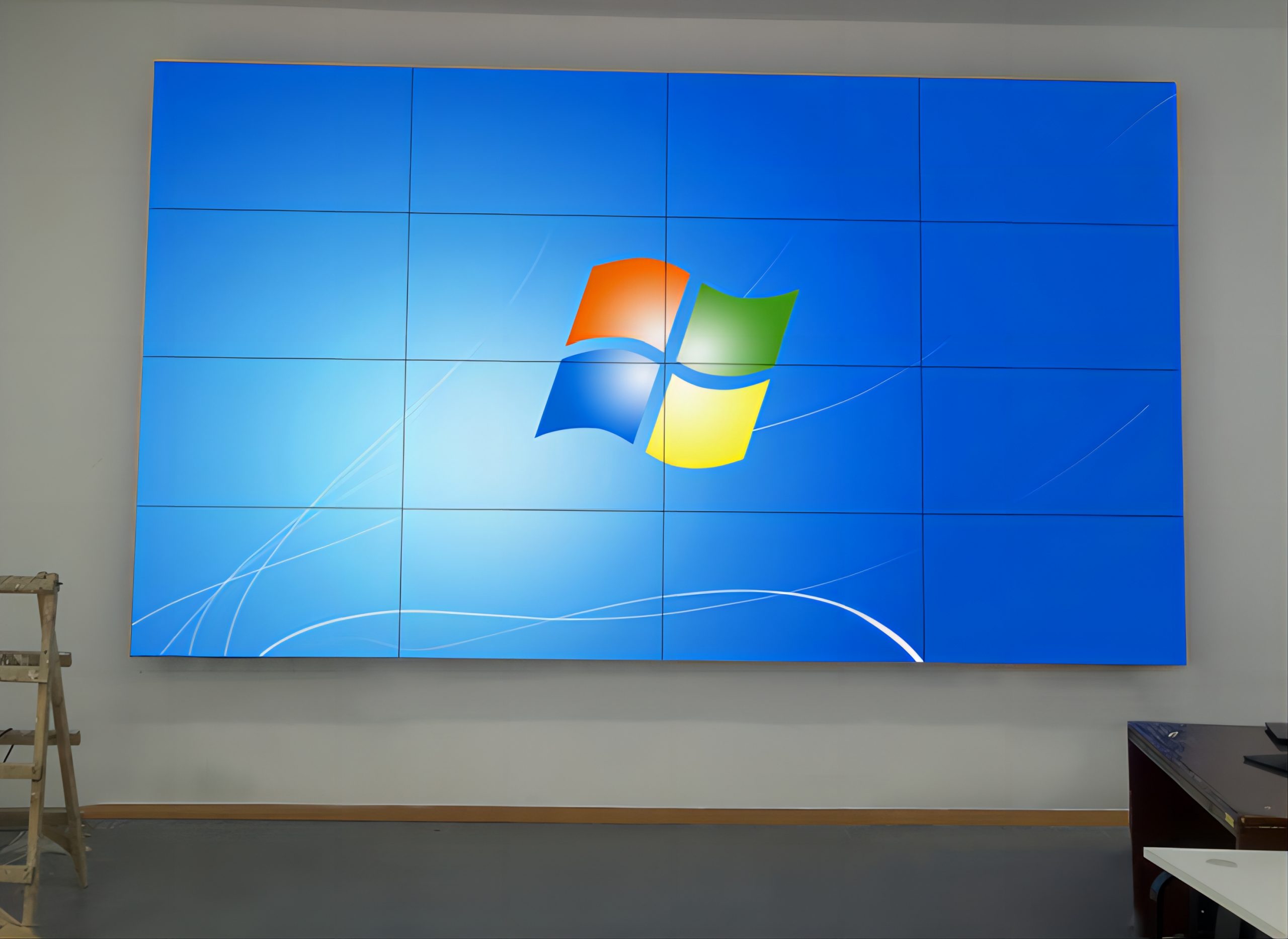
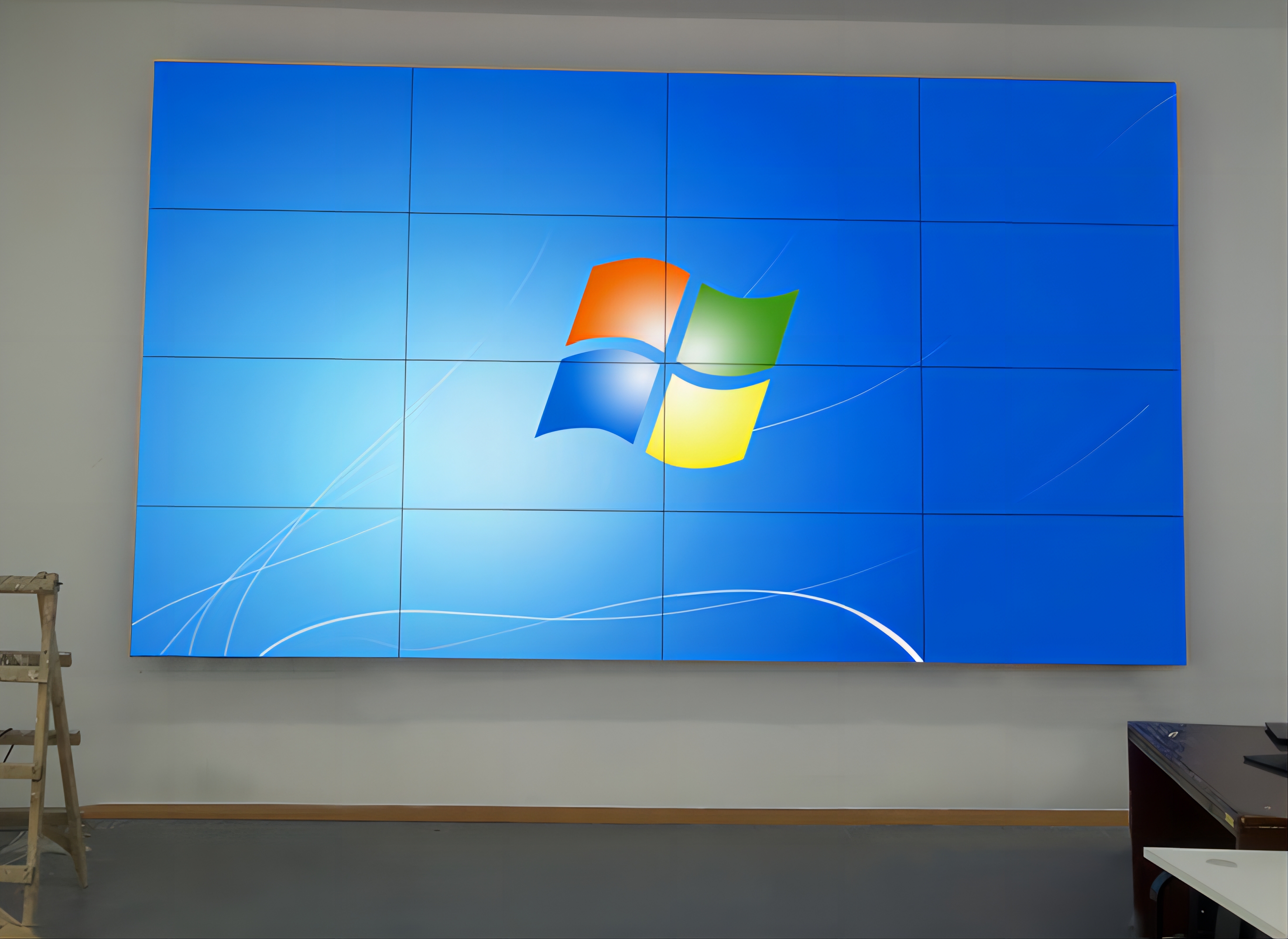
A 4×4 grid contains multiple panel joints. Small labels, node names, IP information and chart legends belong inside safe zones. Full-canvas backgrounds may cross the grid, but actionable tables and incident identifiers should remain intact within defined windows.
The 4×4 LCD video wall for network operations centers should be tested from every console row. Dark interfaces, fine lines and alert colors need enough contrast without creating excessive brightness during long shifts. Real dashboards are more useful for acceptance than generic promotional video.
Connect Platforms with Controlled Access and Fallbacks
Document each workstation, monitoring platform, conference input and media source before selecting the processor. Confirm output resolution, window count, authentication method, network separation and the operator role allowed to change layouts. Source labels on the controller should match the terminology used in incident procedures.
When one platform or network path fails, the display must show an understandable state instead of retaining an apparently live frozen image. An approved fallback dashboard, source-status indicator and recovery procedure give operators a clear next step.
Design Infrastructure for Continuous Service
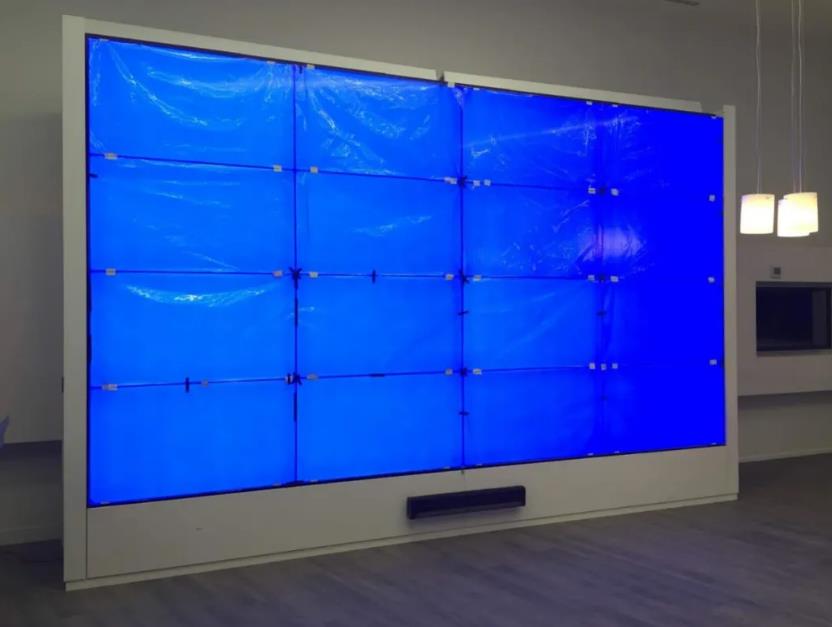
The survey should cover supporting structure, power distribution, signal routes, rack location, cooling and maintenance clearance. Panel alignment is important across all sixteen positions, while labelled power and signal zones allow service work to remain limited to the affected area.
UPS capacity and redundancy should follow defined continuity objectives. The project should state which views must remain available, how quickly the wall must recover and who performs the changeover. This is more useful than adding duplicate components without an operating procedure.
Test with a Complete Incident Exercise
Acceptance should simulate an alert, escalation, conference, source failure and return to normal service. Confirm preset switching, synchronization, readability, permissions and recovery. Operators should receive the approved layout list, source map and escalation contacts.
For quotation, provide room dimensions, console positions, platforms, source counts, daily operating hours, security rules and recovery targets. These inputs support a comparable scope covering panels, processor, mounting, cabling, commissioning and training.
Frequently Asked Questions
Must sixteen independent sources always be displayed?
No. Windows can use one panel, several panels or the full canvas according to the operating preset.
Can security and network dashboards appear together?
Yes, after permissions, resolutions and network boundaries are confirmed.
Can layouts be saved for different incidents?
Yes. Named presets can support routine monitoring, major incidents, maintenance and executive briefings.
What should be tested before handover?
Use real dashboards and simulate source loss, layout changes and recovery procedures.
Inquiry
You must be logged in to post a review.
Related products
-

2×3 LCD Video Wall System for Control Rooms
Six Panels for Continuous Monitoring…
-
5×6 LCD Video Wall for Enterprise Operation Centers
Make Thirty Panels Serve Business…
-
5×1 Vertical LCD Video Wall for Transport Terminals
Present Five Levels of Travel…
-
3×7 LCD Video Wall for Enterprise Network Operations Centers
Organize the Wall by Business…
Reviews
There are no reviews yet.