

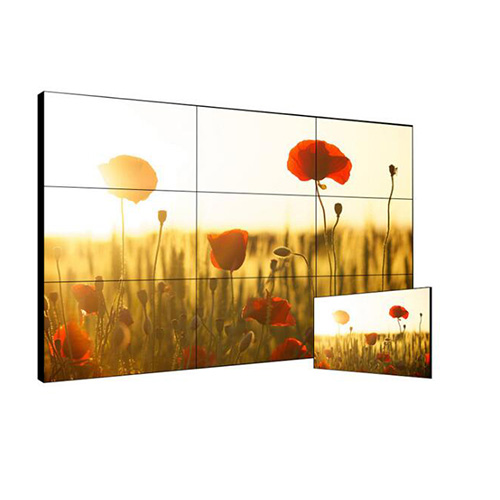
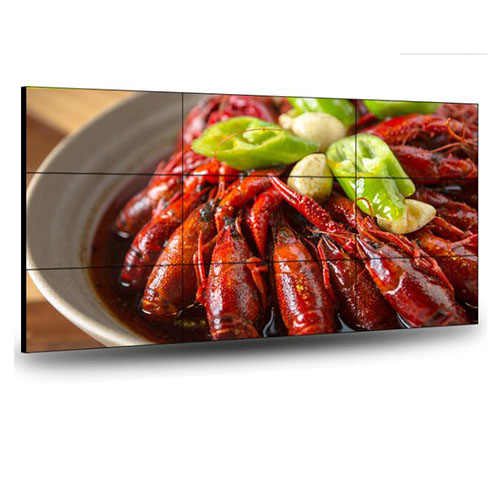
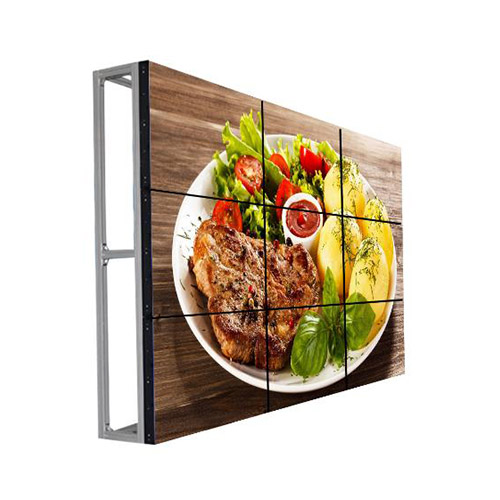

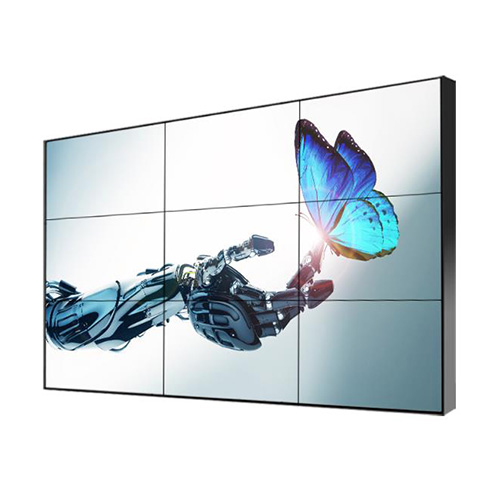


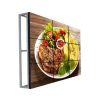


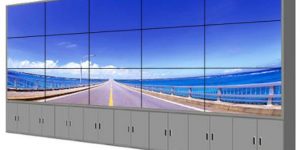
55 Inch 3×3 LCD Video Wall for Enterprise Control Rooms
Description
Share Enterprise Status on a Nine-Screen Canvas
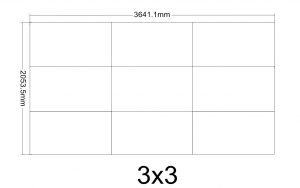
A 55-inch 3×3 wall suits enterprise control rooms, IT operation centers, facility management and integrated duty spaces. Nine panels can combine service health, business metrics, security events, facility state and conferencing for cross-team coordination.
The wall summarizes and supports collaboration rather than replacing personal tools. The center carries the active incident, while outer zones show impact, trends, ownership and recovery progress and specialists retain detailed logs at their workstations. A 55 inch 3×3 lcd video wall enterprise control room wall should summarize business impact rather than reproduce every specialist dashboard.
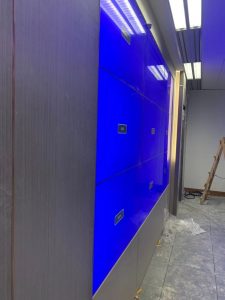
Let Event Severity Determine the Display
Routine scenes track trends and tasks, peak scenes emphasize capacity and key transactions, and major-incident scenes highlight impact, ownership, actions and communication. Scenes should align with the enterprise incident scale instead of being assembled under pressure.
Automated data and human conclusions require different visual treatment. An unconfirmed anomaly should not look final, and only an authorized role should close the event and return the room to routine mode. The event framework should state who confirms impact, authorizes escalation and declares the return to normal operations.
Create a Clear Hierarchy for Every Console
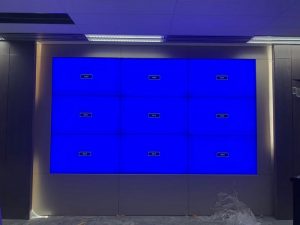
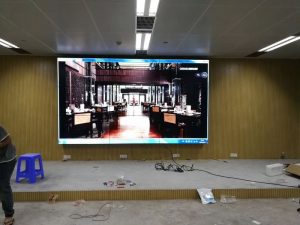
A three-column wall forms a concentrated focal point, but rear seats still need large titles, status and time. Dense tables, source code and long logs should remain on workstations and reach the wall only as trends or actions.
Safe margins protect numbers, decimals, alert IDs and responsible names. Use a restrained status palette with text or icons so routine variation and serious failure do not receive the same visual weight. Visual rules for the 55 inch 3×3 lcd video wall enterprise control room wall should keep numbers and ownership fields away from bezels.
Manage Sensitive Data and Meeting Collaboration
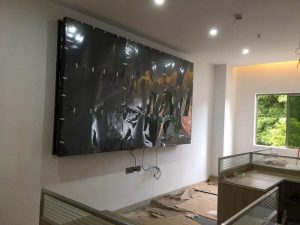
Enterprise rooms can expose customer, financial, employee and security information. Role-based accounts limit sources, remote control and recording, while a visitor or executive scene masks sensitive content without shutting down the system.
Conferencing can share the canvas with operations data after audio, window priority and the return scene are defined. Event IDs, time and ownership should remain consistent across the wall, tickets and meeting notes. A masked meeting scene helps external participants collaborate while protected customer, employee and security information remains unavailable.
Maintain an Architecture Record for Service and Growth
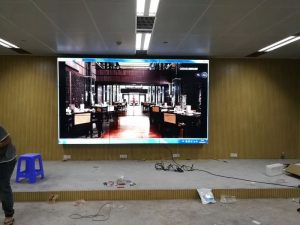
Coordinate power, signals, controllers and panel positions, and record both used and reserved input capacity. Before adding a business platform, verify interfaces, resolution, permission and refresh behavior.
Back up presets and mapping before software or hardware changes. After maintenance, confirm every source, time reference, permission and default scene; critical workflows may justify an alternate input or control path. Architecture records for the 55 inch 3×3 lcd video wall enterprise control room wall should show current and reserved source capacity.
Accept the System through an Enterprise Incident
Simulate an IT outage or facility fault from detection and impact assessment through cross-team work, recovery and closure. Teams should test data refresh, preset recall, conferencing and readability from their own positions.
Also simulate source loss, processor restart and an access error. The formal handover includes topology, scenes, accounts, fallback behavior and recovery steps. The acceptance exercise should confirm the handoff between teams because responsibility changes often reveal missing context or permissions.
Use a Business Inventory to Define Procurement
Provide room and console drawings, viewing distance, platforms, source counts, conferencing, operating hours, security requirements, racks, power and network conditions.
Document growth, redundancy, work periods and training audiences. The proposal can then separate displays, processing, control, mounting, cabling, commissioning, spares and optional expansion. Business priorities let the 55 inch 3×3 lcd video wall enterprise control room wall be quoted as a controlled operating system with measurable continuity and expansion objectives.
Frequently Asked Questions
How many enterprise systems can the wall display?
Capacity depends on processor inputs and simultaneous layouts, so plan from business priorities.
Can customer or financial information be hidden?
Yes. Permissions and masked visitor scenes can restrict sensitive sources.
Can conferencing and dashboards appear together?
Yes. The layout can reserve a meeting zone alongside operations data.
Will a new platform require replacing the wall?
Not necessarily. Reserved input and processing capacity may support growth, subject to the installed design.
You must be logged in to post a review.
Related products
-
3×9 LCD Video Wall for Executive Briefing Centers
Create a Shared Evidence Wall…
-

5×6 LCD Video Wall for Enterprise Operation Centers
Make Thirty Panels Serve Business…
-
6×3 LCD Video Wall for Public Safety Control Rooms
Support Public Safety Duty Teams…
-
3×5 Floor Standing LCD Video Wall for Energy Control Rooms
Why a Floor Cabinet Fits…
Reviews
There are no reviews yet.