

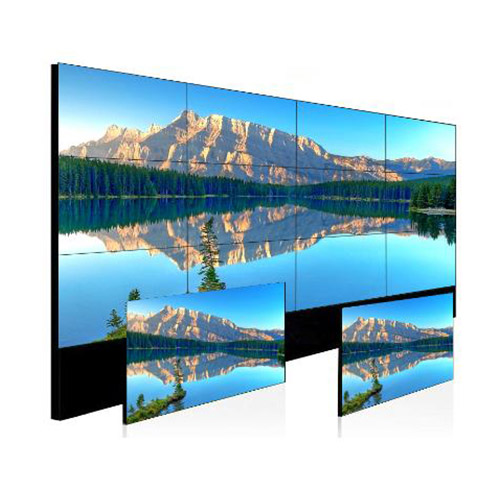
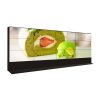
55 Inch 4×3 LCD Video Wall for Broadcast Monitoring
Description
Give the Production Team Twelve Large Monitoring Zones
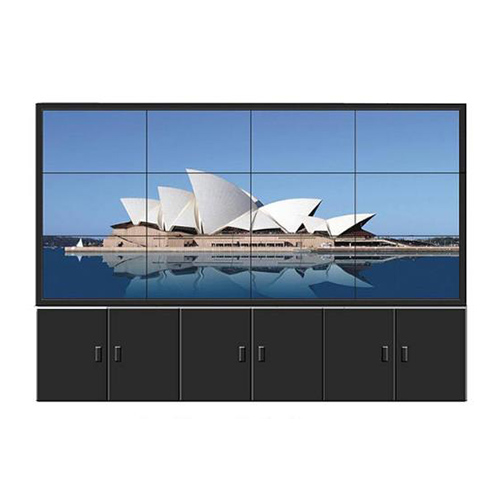
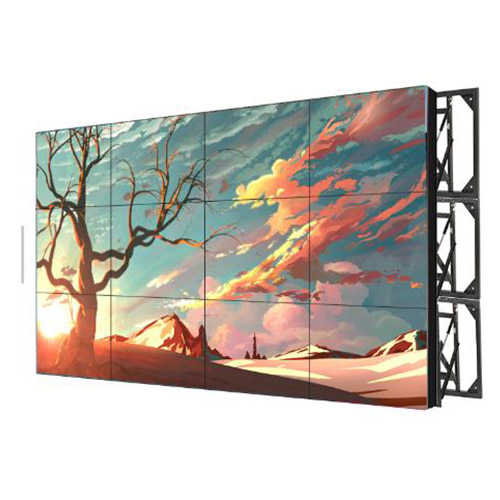
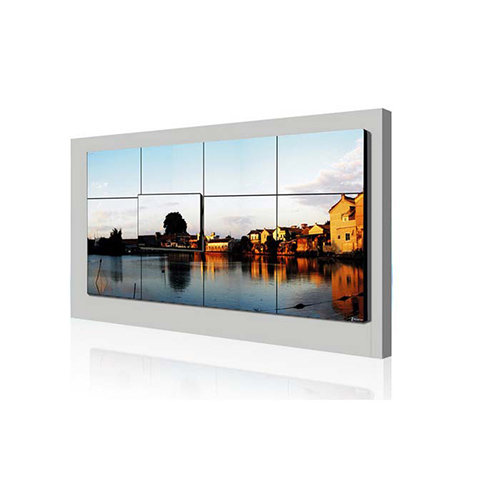
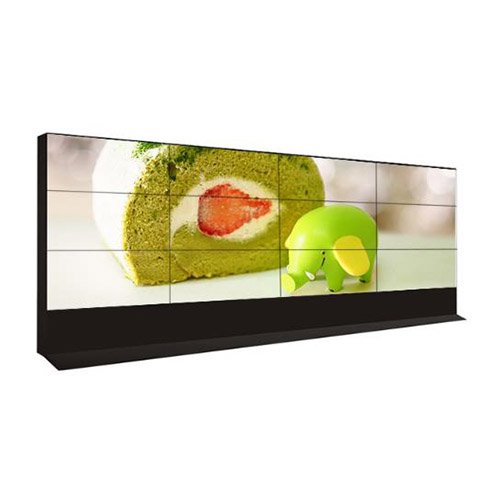
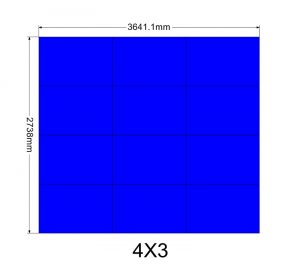
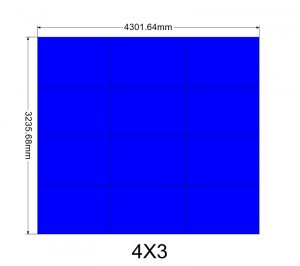
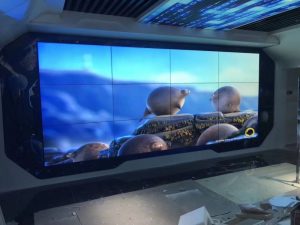
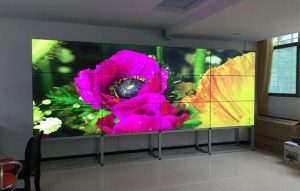
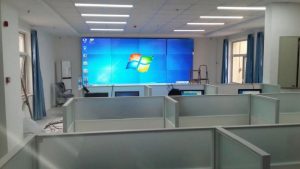
A three-row, four-column wall of 55-inch displays supports television studios, live production centers and media control rooms. Twelve zones can carry program, preview, cameras, remote contributions, graphics, audio status and transmission alarms in one shared view.
The layout should follow production workflow rather than assigning one source to every panel. Program and preview occupy natural sightlines, camera groups and returns follow production tasks, and equipment health remains in a stable location. The 55 inch 4×3 lcd video wall broadcast monitoring wall gives directors one stable reference for program, preview and production health.
Store Monitoring Presets for Different Programs
News, interviews, sports, recording and remote productions require different source combinations. Presets preserve window sizes, labels and positions and define the default scene after a controlled restart.
Scene names should match the switcher and router. Authorized engineers edit core layouts, while operators recall approved presets, reducing the chance that an unintended whole-wall change affects an active production. Preset documentation should state the default return scene and the users permitted to change labels, windows or source assignments.
Protect Captions, Timecode and Audio Detail
Captions, timecode, level meters and source names cannot cross a bezel. Multiview templates should protect these details within safe areas and avoid placing faces or essential framing lines on panel joints.
Because directors watch for long periods at close range, calibration should favor comfort and accuracy. Test dark scenes, skin tone, motion, fine text and actual graphics instead of accepting the wall from a saturated demonstration reel. Multiview content on the 55 inch 4×3 lcd video wall broadcast monitoring wall should be checked with real studio fonts and graphics.
Define Responsibilities across the Production Chain
List program, preview, cameras, returns, graphics, conferencing, recording and external lines with their interfaces, resolution, frame rate and audio. Where routers or multiviewers already exist, identify the device responsible for switching and composition.
Display control must not conflict with production switching. Remote support may reach device health, while content paths and production networks remain isolated under studio policy, with every interface and permission documented before launch. Seated and standing sightlines both matter because production personnel may change position during rehearsal, live output and technical recovery.
Plan Structure and Service inside the Off-Air Window
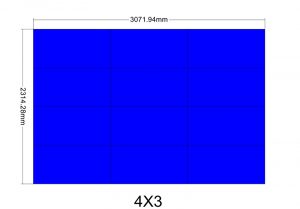
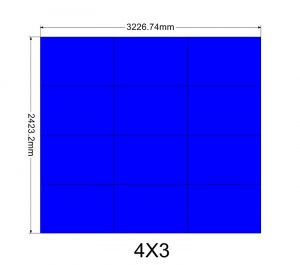
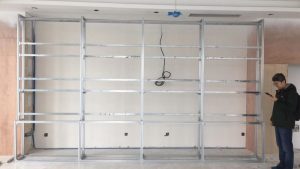
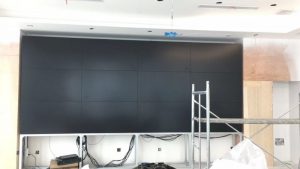
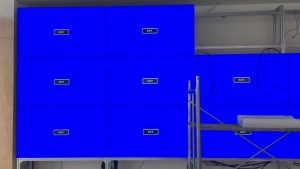
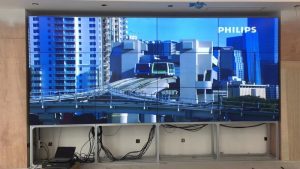
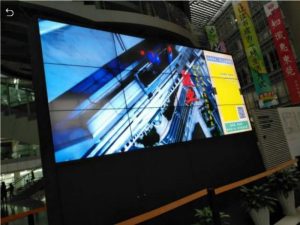
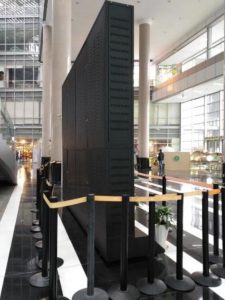
Survey supporting structure, the load of twelve displays, cooling, reflections, rack space and individual-panel removal. Equipment noise, air-conditioning direction and task-light reflections should also be assessed near the control room.
Use common coordinates for panels, cables and inputs. Back up scenes and mapping before work in an approved off-air period, then verify program, preview, labels and timecode positions after maintenance. Maintenance of the 55 inch 4×3 lcd video wall broadcast monitoring wall should follow a recorded source map and approved off-air schedule.
Use a Full Program Rehearsal for Acceptance
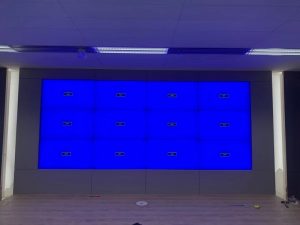
Load actual production layouts and test program-to-preview changes, remote feeds, captions, audio meters and fault indications. Directors, technicians and display engineers should validate the view from their normal operating positions.
Simulate a lost input, processor restart and preset recovery. Handover should include the signal matrix, scene register, brightness modes, daily inspection and the technical escalation route. The rehearsal report should be signed by the production team and the engineer responsible for the display and processing chain.
Base the Proposal on a Verified Signal Matrix
Provide room dimensions, consoles, viewing distances, program formats, source counts, interfaces, installed routers or multiviewers, redundancy needs and the permitted work window.
Only this inventory can accurately separate displays, processing, control, mounting, cabling, commissioning and training. Unconfirmed interfaces should remain open items instead of being replaced with generic assumptions. A verified matrix lets the 55 inch 4×3 lcd video wall broadcast monitoring wall be configured without assumptions about active studio interfaces.
Frequently Asked Questions
Must a 4×3 wall always show twelve sources?
No. Presets may show many windows or enlarge important program content across a continuous area.
Does the wall generate timecode and audio meters?
These elements normally come from the production system or multiviewer, while the wall displays them.
Can each program type have its own layout?
Yes. Protected scenes can be created for news, interviews, recording and remote contribution.
How is signal position protected after maintenance?
Back up mapping and presets before work, then verify every source against the signal matrix.
You must be logged in to post a review.
Related products
-

1×3 LCD Video Wall for Retail Wayfinding Systems
Turn Three Horizontal Panels into…
-

3×3 LCD Video Wall for Industrial Process Monitoring
Build the Wall Around the…
-
5×6 LCD Video Wall for Enterprise Operation Centers
Make Thirty Panels Serve Business…
-
1×4 LCD Video Wall for Digital Showrooms
Create a Continuous Digital Feature…
Reviews
There are no reviews yet.