

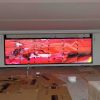
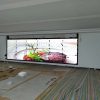
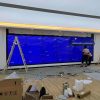

6×3 LCD Video Wall for Public Safety Control Rooms
Description
Support Public Safety Duty Teams with Eighteen Panels
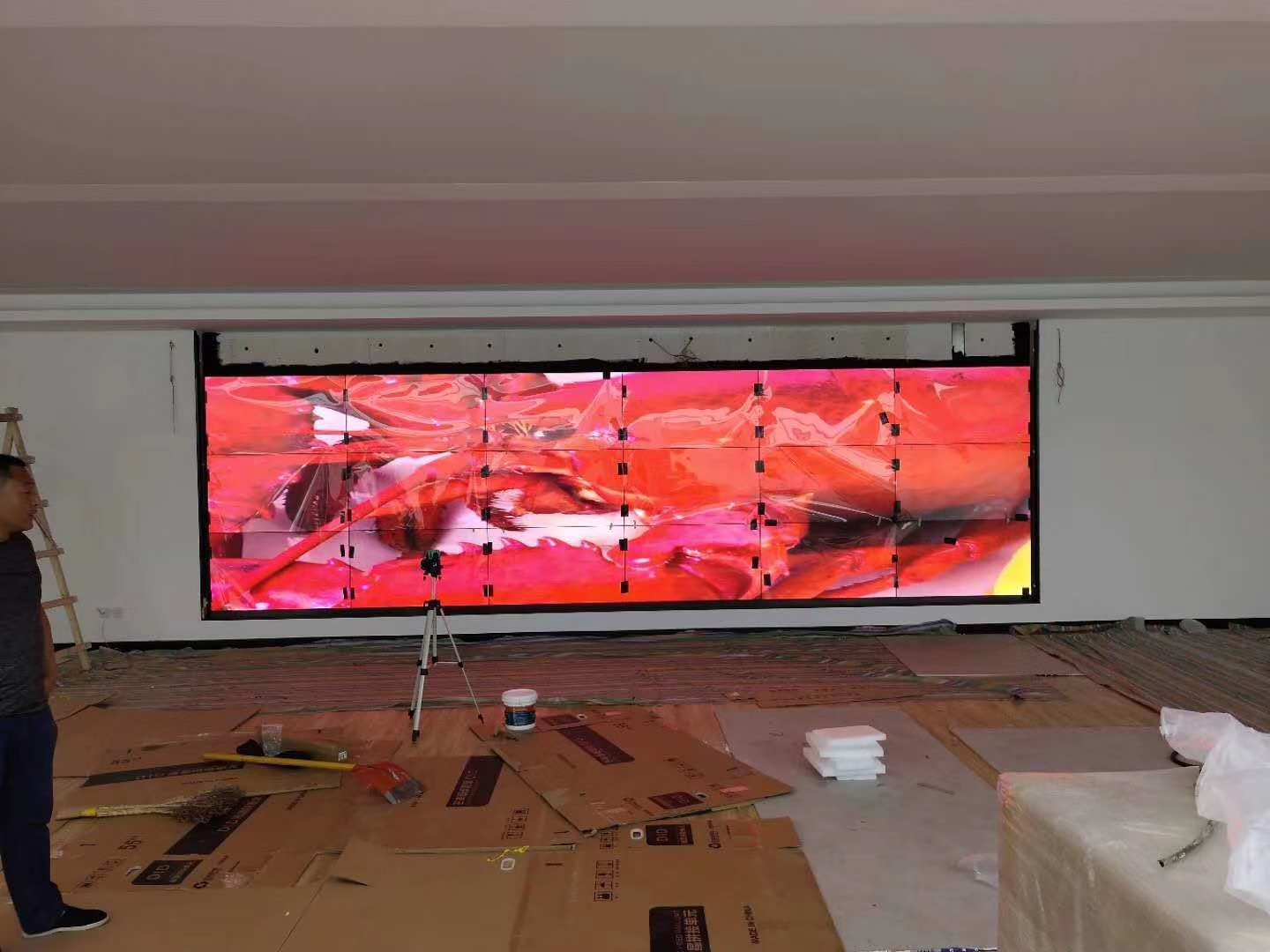
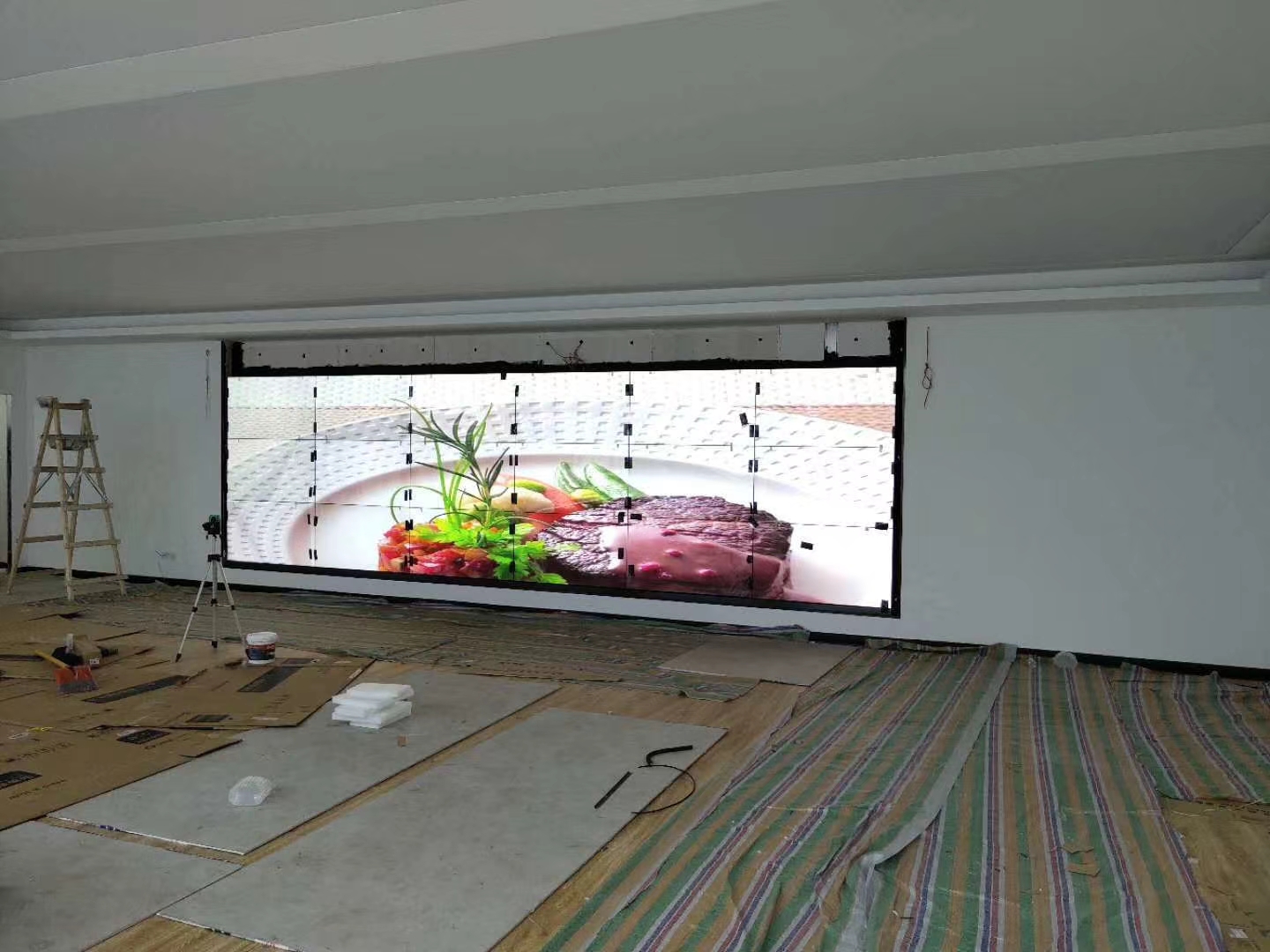
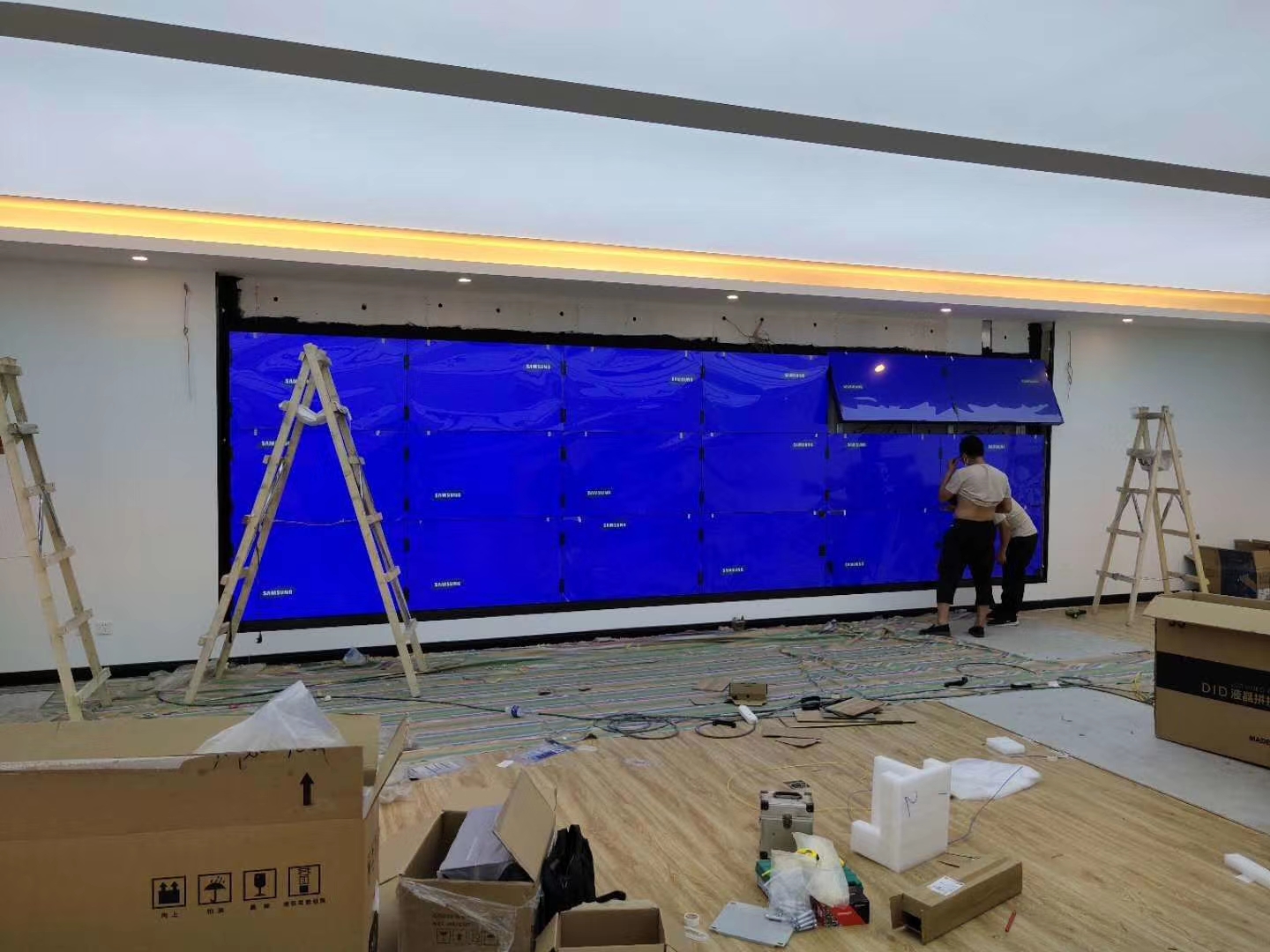
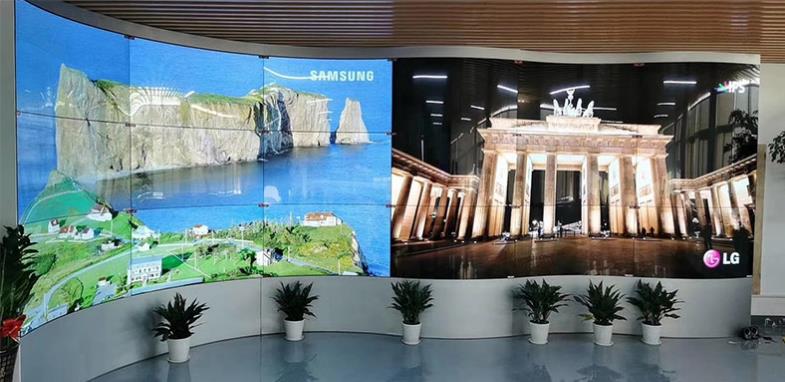
A 6×3 LCD video wall for public safety control rooms creates a wide canvas for GIS, cameras, resource positions, communications and incident queues. Three rows place the primary event near normal sightlines while contextual status remains above and below.
The layout should reflect duty roles. Call intake, analysis, dispatch and command can share the same incident number and timeline while each receives the depth needed for its task, reducing repeated searches across separate workstations. A shared canvas can also support shift handover by preserving the active incidents and resource commitments in view.
Arrange the Wall around the Incident Lifecycle
Information changes from report and verification through dispatch, response and closure. A verification scene can enlarge the map and nearby cameras; dispatch adds resources and communications; response brings live field information and action records forward.
Every change should preserve the address, incident ID and last update. When several incidents run in parallel, define primary and secondary zones and provide a clear return to the routine duty layout. Scene design should show who confirmed each critical change so the next team can understand its operational status.
Keep Maps, Video and Text Evidence Clear
Map coordinates, license plates, identifying details and timestamps should not cross bezels. Important video can temporarily occupy a contiguous area, while text evidence stays in a single-panel safe zone for source verification.
Operators need fast recognition, so alarms should combine words, icons and color. Continuous flashing and excessive highlights reduce attention. A 6×3 LCD video wall for public safety control rooms should reserve strong treatment for new information that requires action. Video enlargement must preserve source labels and time information whenever an image may support an important decision.
Synchronize Time and Preserve Traceability
GIS, video, call handling, records and communications may come from different platforms. All wall sources should use an agreed time base and reveal their source and refresh condition so conflicting timelines do not influence a decision.
Preset recall, critical control changes and access can be logged. Sensitive video and personal information require restrictions on remote access, photography and visitor scenes under the control room’s established policy. Audit records should be useful for review without giving ordinary users unnecessary control over protected sources.
Provide Continuous Operation and Zoned Service
Organize structure, power, signal and cooling by zones so a local maintenance task does not remove the full operating picture. Critical maps or event lists can retain a fallback input or approved static emergency page.
Use one coordinate system for panels, rack outputs and cables. Define spares and replacement steps in advance, and after maintenance verify timing, presets, permissions and logs in addition to image presence. Continuity testing should verify the fallback content from every relevant duty position, not only at the engineering console.
Accept the System through a Joint Duty Exercise
Run an event through report, map location, camera verification, resource dispatch, conference and closure with real roles. Confirm that each stage calls the correct content and that key status remains readable from every console.
Test a lost signal, delayed data and control-node restart. The 6×3 LCD video wall for public safety control rooms should be handed over with routine scenes, emergency changes, information-protection rules and a tested escalation process. The exercise results can identify training or workflow gaps that a hardware-only acceptance test would never reveal.
Prepare a Control-Room-Specific Request for Quotation
Provide room dimensions, console count, viewing distances, shift pattern, connected platforms, video and data source counts, GIS, communications, racks, power and network conditions.
State continuity objectives, access rules, installation window and acceptance scenario. These inputs allow the proposal to define processing, control, redundancy, mounting, cabling, training and service without unsupported assumptions. For a 6×3 LCD video wall for public safety control rooms, the operating inventory defines a defensible system scope.
Frequently Asked Questions
Can GIS and multiple cameras appear together?
Yes. The processor can assign map, camera and incident-list zones according to the confirmed source inventory.
Can important video be enlarged with one command?
Yes. An incident preset can enlarge selected video while preserving essential contextual information.
How are live and old data distinguished?
The layout should show timestamps, refresh condition and source labels agreed with each connected platform.
Must the complete wall be shut down to service one panel?
A zoned structure can reduce disruption, but the exact impact depends on power, signals and service access.
Inquiry
You must be logged in to post a review.
Related products
-
5×4 LCD Video Wall for Event Production Centers
A twenty-panel production display for…
-

1×2 LCD Video Wall for Compact Control Rooms
Why Two Screens Work in…
-
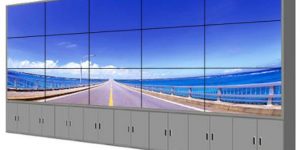
3×5 Floor Standing LCD Video Wall for Energy Control Rooms
Why a Floor Cabinet Fits…
-

3×3 LCD Video Wall for Industrial Process Monitoring
Build the Wall Around the…
Reviews
There are no reviews yet.