



65 Inch 3×4 LCD Video Wall for Auditorium Presentations
Description
Serve a Large Auditorium with Twelve 65-Inch Displays
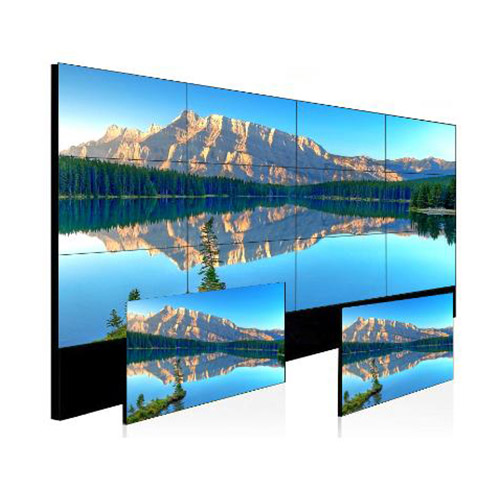
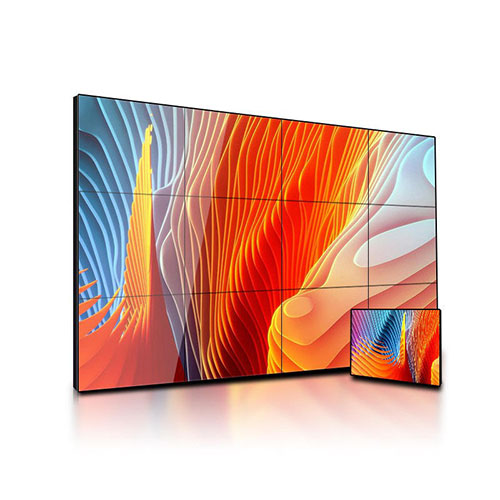
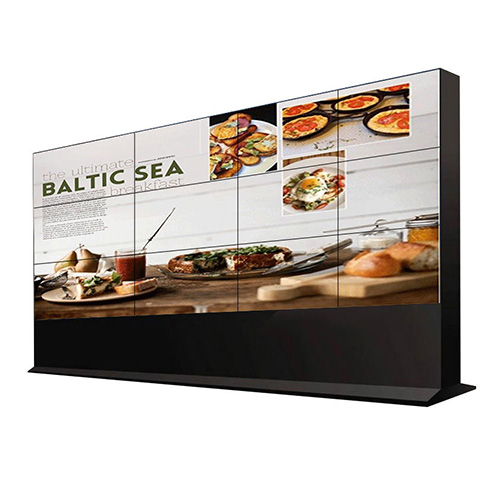
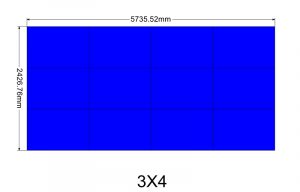
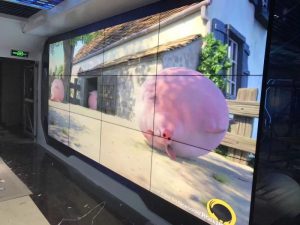
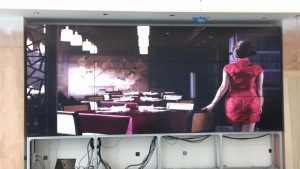
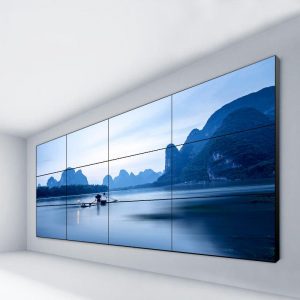
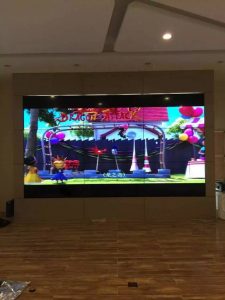
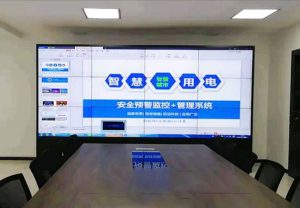
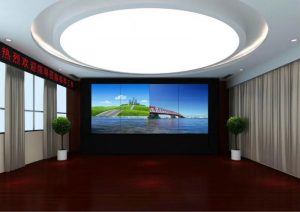
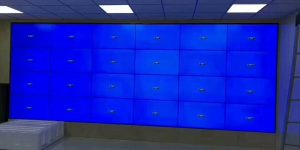
A 3×4 arrangement of twelve 65-inch displays suits corporate auditoriums, training centers, lecture halls and multipurpose meeting rooms. The large canvas can combine a primary presentation, speaker video, agenda, captions and remote participants.
Design begins from the last row. Titles, charts and key messages must remain readable at the farthest seat, while dense tables and small application interfaces should be simplified before the event rather than enlarged at the last minute. A 65 inch 3×4 lcd video wall auditorium presentation wall should make the main message readable without turning every slide into oversized text.
Arrange Main and Supporting Zones by Event Type
Speeches, training, awards, conferences and film playback require different compositions. The presentation normally occupies a continuous central area, while speaker video, captions and agenda use supporting zones that do not distract from the main point.
Save common scenes and label lectern computers, conferencing, cameras and media players clearly. Event teams should recall a scene without having to understand panel coordinates or complex routing. Scene instructions should identify the normal return layout after a guest computer, remote conference or playback session ends.
Protect Text and Graphics across the Large Canvas
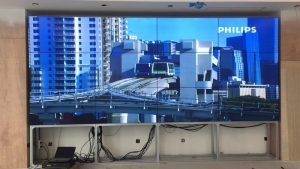
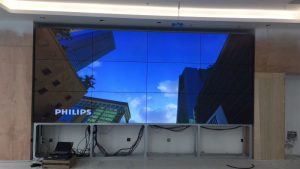
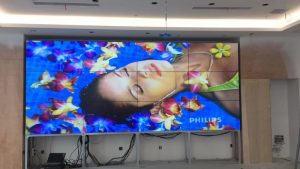
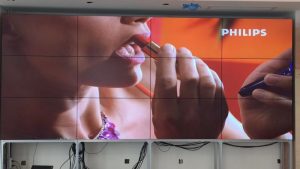
The three-row, four-column grid places bezels through the central image. Important titles, faces, chart values and QR codes should avoid joint lines. Provide a safe-area template and recommended type sizes for external presenters.
Video may tolerate some interruption, but captions and tables need complete areas. Acceptance should use real slides, conferencing, film and bilingual captions from the front, side and last row. Templates for the 65 inch 3×4 lcd video wall auditorium presentation wall should be supplied to presenters before final content approval.
Coordinate Sound, Cameras and Conferencing
The project includes more than display. Presentation computers, wireless sharing, cameras, conferencing, recording and audio require defined video and sound paths that avoid feedback, wrong audio sources or black frames during switching.
Where the event is streamed or recorded, test camera exposure against the wall. Presentation, local return and broadcast output may follow separate paths, and each responsibility should be recorded before operation. A complete rehearsal should confirm both audience sound and the audio embedded in any recording, stream or remote conference return.
Plan Installation and Service with the Auditorium Structure
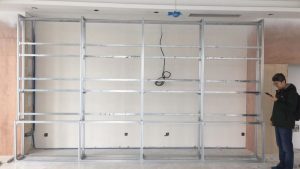
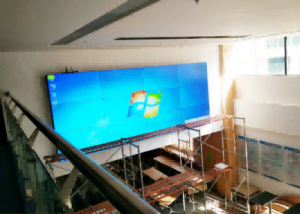
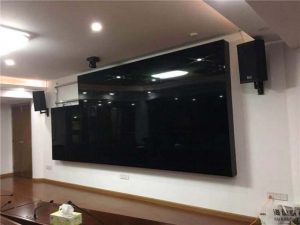
Twelve 65-inch displays require verified load capacity, mounting depth and transport access. Survey the wall or steelwork, stage, lifting path, cooling, fire protection, trim and individual-panel maintenance space.
Schedule installation outside event hours. Apply one numbering scheme to screens, brackets, cables and processor ports, then use a test scene to confirm every area after service. Service planning for the 65 inch 3×4 lcd video wall auditorium presentation wall should account for stage access and scheduled public events.
Commission through a Complete Presentation
Run audience entry, opening, slides, video, remote participation, questions and closing pages. Check input switching, lip synchronization, captions, distant readability, color matching and scene recovery throughout the sequence.
Also disconnect the presentation computer, restart the player and call the backup input. Event staff should receive connection instructions, content specifications, preset lists, daily operation and escalation procedures. Acceptance photographs from front, side and rear seats create a useful baseline for later presentation and brightness changes.
Prepare Auditorium Information for Quotation
Provide room dimensions, seating plan, farthest sightline, stage and wall conditions, event types, source equipment, conferencing, audio interfaces, operating hours and installation window.
These details determine displays, processing, transmission, control, structure, commissioning and training. Streaming, recording, wireless presentation or dual-control-room requirements should be listed as separate interfaces. Room and interface records allow the 65 inch 3×4 lcd video wall auditorium presentation wall to be quoted around actual event workflows, audience sightlines and verified technical responsibilities.
Frequently Asked Questions
How many displays are used in a 3×4 arrangement?
The wall uses twelve 65-inch displays arranged in three rows and four columns.
Will text be readable from the last row?
Type size must be chosen and tested against the actual sightline; panel size alone cannot guarantee readability.
Can slides and remote participants appear together?
Yes. Processing can reserve a main presentation area and supporting conference windows.
Do guest speakers need a special file format?
They should follow the supplied resolution, aspect ratio and bezel safe-area guidance.
You must be logged in to post a review.
Related products
-
3×6 LCD Video Wall for Corporate Experience Centers
Make the Display Part of…
-
6×4 LCD Video Wall for Traffic Management Centers
Combine Road Networks and Junction…
-

2×3 LCD Video Wall System for Control Rooms
Six Panels for Continuous Monitoring…
-

5×6 LCD Video Wall for Enterprise Operation Centers
Make Thirty Panels Serve Business…
Reviews
There are no reviews yet.