



1×4 LCD Video Wall for Digital Showrooms
Description
Create a Continuous Digital Feature Wall
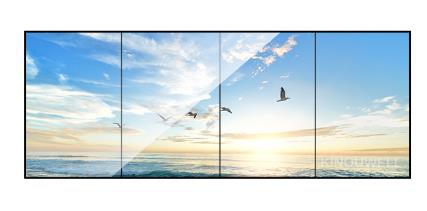
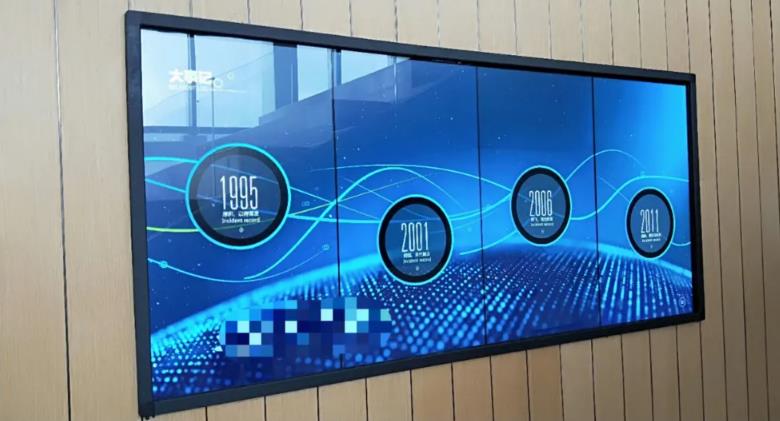
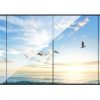
A digital showroom often needs to introduce a brand, present several products, and guide visitors within one wall area. A 1×4 LCD video wall for digital showrooms connects four panels in a long horizontal format that works for product timelines, process animation, panoramic scenes, and sequential storytelling.
The wall may play one wide brand film or divide into four related zones. Visitors can move from the first panel to the fourth as they follow a product family or company history, turning the display into part of the exhibition route rather than an oversized television.
Design Content for the Actual Wide Ratio
Stretching a normal 16:9 video across four panels can distort people and products. Content should be created for the total display ratio, with text, QR codes, product edges, and faces kept away from bezel intersections. Backgrounds and continuous motion can travel across the entire wall.
When the 1×4 LCD video wall for digital showrooms uses four zones, each panel can carry a separate chapter while sharing one visual system. The first might introduce the brand, the middle pair may present products, and the last can show projects or contact information.
Coordinate Recessed Installation with Interior Work
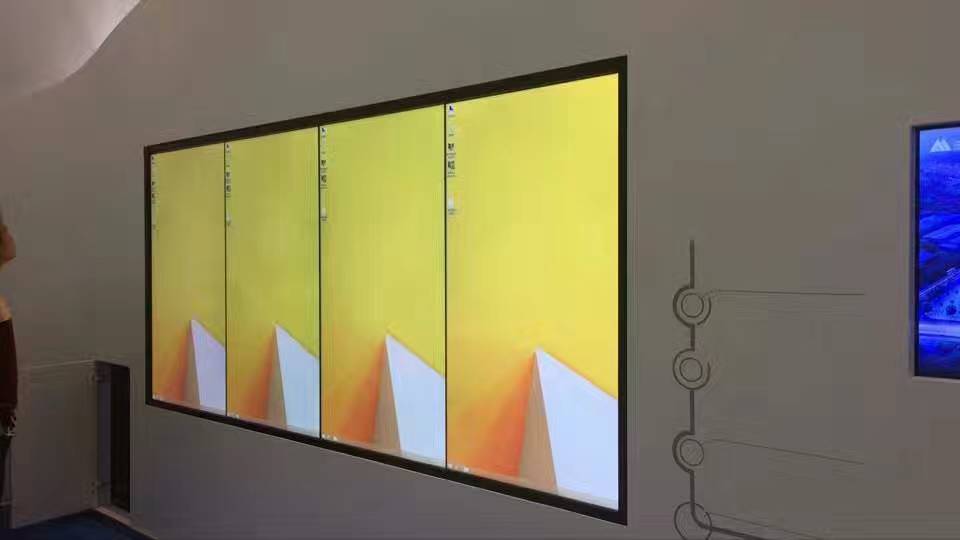
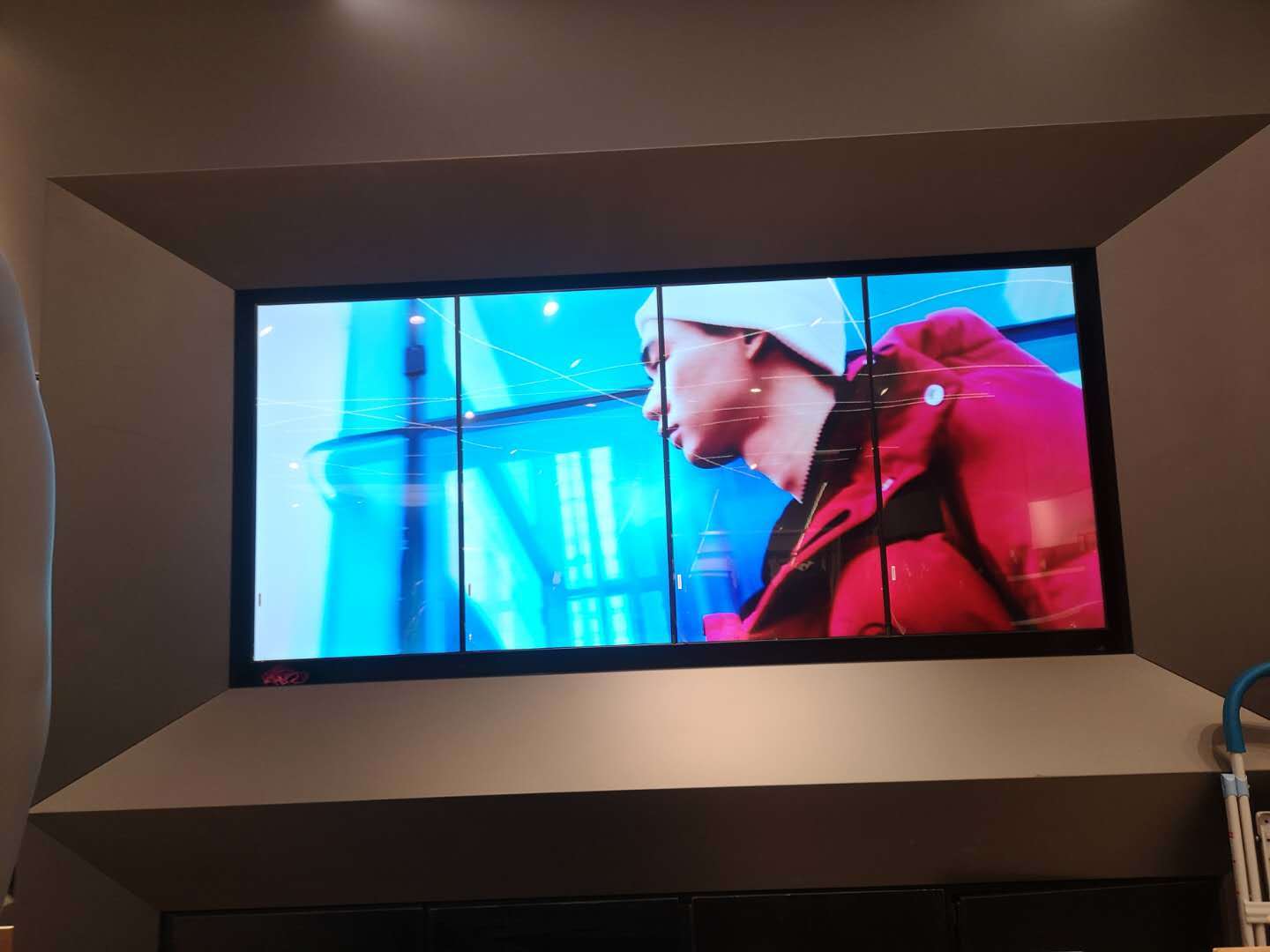
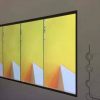
The product images show recessed and narrow-bezel applications. A recessed wall can create a clean architectural finish, but opening size, bracket depth, ventilation, cable entry, and panel removal must be decided before the decorative wall is closed.
All four panels require a common horizontal reference. The installer should align and test the screens before finishing the surrounding trim. Where rear access is impossible, a front-service structure prevents future maintenance from damaging the interior finish.
Make Content Updates Easy for Showroom Staff
Marketing or showroom teams may update content more often than technicians. A 1×4 LCD video wall for digital showrooms should therefore have clear playback modes and a documented content size. Staff should be able to select wide-wall, four-zone, and event layouts without changing hardware settings.
Temporary laptops or event players also need a defined connection point. Testing these sources before handover prevents black borders, cropping, and incorrect scaling when the showroom hosts a new launch.
Inspect the Wall Along the Visitor Route
Do not accept the installation only from the center. Walk the real visitor path and check when the headline becomes visible, whether close-range text remains comfortable, and whether reflections affect particular positions. Panel brightness and color should stay consistent across the long image.
A final test of the 1×4 LCD video wall for digital showrooms should include wide video, four independent zones, still images, timed playback, and power recovery. This checks both the visual experience and the daily management process.
Frequently Asked Questions
Can a 1×4 video wall play ordinary 16:9 video?
Yes, but direct stretching may distort the image or leave unused space. Content made for the actual wide ratio provides a better result.
Can all four panels play different showroom content?
Yes, when the player or controller provides the required outputs and window management. Confirm whether independent zones and full-wall playback are both needed.
Does recessed installation make maintenance difficult?
It can if no service path is reserved. Plan front-service movement, ventilation, cable access, and panel removal with the interior structure.
How should designers avoid the bezels?
Place text, QR codes, faces, and product details inside safe areas on individual panels while allowing backgrounds and continuous animation to span the wall.
Inquiry
You must be logged in to post a review.
Related products
-

5×4 LCD Video Wall for Event Production Centers
A twenty-panel production display for…
-
6×4 LCD Video Wall for Traffic Management Centers
Combine Road Networks and Junction…
-
2×1 Vertical LCD Video Wall for Retail Stores
Use Vertical Space for a…
-

1×3 LCD Video Wall for Retail Wayfinding Systems
Turn Three Horizontal Panels into…
Reviews
There are no reviews yet.