

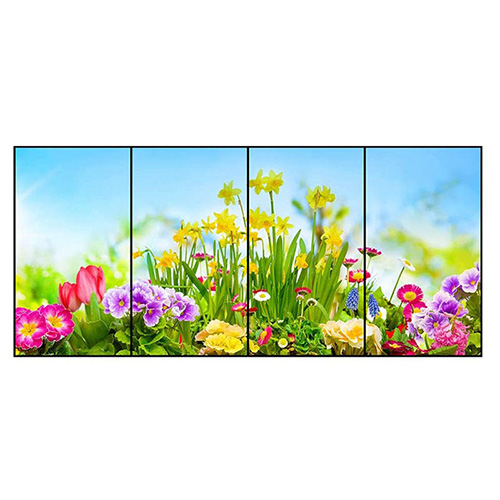
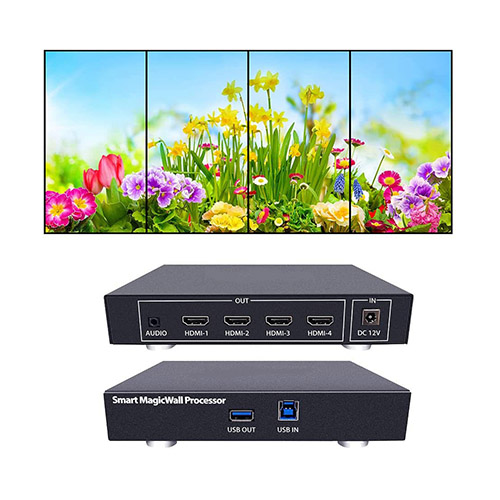
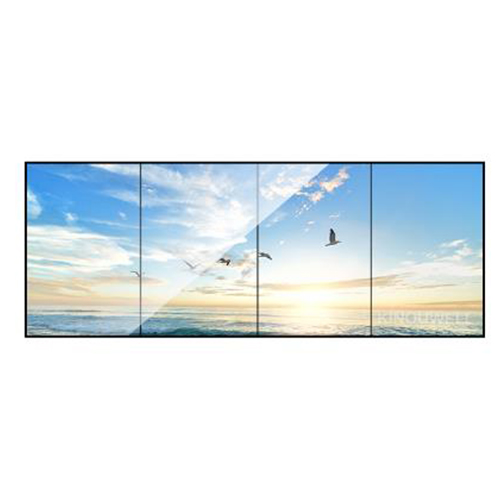


55 Inch 1×4 LCD Video Wall for Transport Information Centers
A panoramic four-panel display for routes, departures, service alerts and operational information in transport environments.
Description
Present Fast-Changing Transport Information on One Panoramic Surface
A 55 inch 1×4 LCD video wall for transport information centers creates a long horizontal canvas for departure boards, route maps, service notices and live operational updates. The four-panel format works well above service counters, along circulation routes or inside coordination rooms where teams need to compare several information sources without looking across separate displays.
The wall can operate as one panoramic screen or as four controlled zones. A typical layout may reserve one area for departures, another for route conditions, a third for customer notices and the final area for priority alerts. When an incident requires more attention, the relevant map or message can expand across the complete width while essential status information remains available.
Design Each Layout Around Passenger and Operator Decisions
Transport information is useful only when viewers can identify the next action quickly. Route numbers, platform details, times and warnings need a stable visual hierarchy. Decorative campaigns should never compete with cancellations, emergency instructions or accessibility information. Templates should therefore define permanent zones for critical messages and flexible zones for scheduled content.
Viewing distance and movement speed affect text size more than the physical resolution alone. Information for passengers walking through a terminal needs shorter wording and larger type than data used by seated operators. Multilingual messages can rotate or occupy assigned zones, but location names and symbols should remain consistent with printed signs, mobile applications and public announcements.
Protect Timetables and Maps from Panel Joints
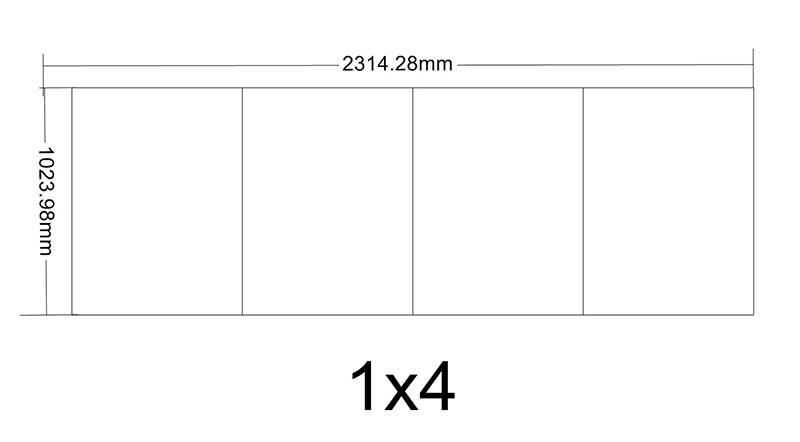
A four-screen row contains three vertical bezel lines. Small timetable columns, QR codes, vehicle identifiers and map labels should remain inside safe areas instead of crossing those joints. Content creators need templates showing the exact canvas dimensions and bezel positions so later schedule changes do not make key details difficult to read.
Real acceptance material should include crowded departure lists, detailed maps, light and dark interfaces, live video and emergency banners. Testing only a colorful promotional image can hide alignment, contrast and readability problems. The 55 inch 1×4 LCD video wall for transport information centers should be reviewed from the normal approach path as well as the nearest service position.
Integrate Data Sources without Losing Publishing Control
Information may arrive from scheduling software, a transport management platform, local media players, surveillance systems or operator computers. Before installation, document each source, output resolution, refresh interval, network path and responsible department. Saved layouts should have clear names for routine operation, disruption management, emergency communication and maintenance.
Role-based publishing reduces accidental changes. Operations staff may control service information, while a communications team manages public campaigns and an authorized supervisor approves emergency overrides. Local caching or an approved fallback page should keep essential directions visible during a network interruption. Timestamps also help operators distinguish current information from a delayed source.
Plan Mounting, Cabling and Maintenance for Continuous Operation
The site survey should verify the supporting structure, available width, power circuits, signal distances, ventilation and service clearance. All four panels must share a level plane because even a small height difference becomes obvious across a long line of text. Cable routes should remain protected from public access and should not obstruct doors, fire equipment or maintenance panels.
For sites with long operating hours, maintenance needs a defined window and fallback process. Labelled signal and power paths, documented panel positions and suitable spare components shorten recovery time. Front access or a practical removal route allows one panel to be serviced without dismantling the entire wall or closing a larger public area than necessary.
Commission the Wall with a Disruption Scenario
Final testing should follow a real workflow: normal departures, a delayed service, a platform change, a priority warning and return to routine operation. Confirm switching speed, synchronization, text readability, color consistency, source recovery and the visibility of the fallback page. Operators should know who can change layouts and how to restore the approved default.
For quotation, provide site photographs, available dimensions, viewing distances, daily operating hours, source types, required zones, mounting conditions and network limitations. These details allow the panels, processor, structure, cabling, commissioning and training to be specified as one practical system rather than as unrelated components.
Frequently Asked Questions
Can four independent sources be shown at the same time?
Yes. A compatible processor can assign one source to each panel or combine selected sources across multiple panels.
Can the wall keep showing information if the network fails?
A player with local caching can continue displaying downloaded content; the exact fallback behavior should be confirmed during system design.
Should timetable columns cross the bezel lines?
No. Keep complete columns and critical labels inside defined safe zones for consistent readability.
What should be tested before handover?
Use real timetables, maps, alerts and source-failure scenarios to verify readability, switching, synchronization and recovery procedures.
You must be logged in to post a review.
Related products
-
3×9 LCD Video Wall for Executive Briefing Centers
Create a Shared Evidence Wall…
-

1×4 LCD Video Wall for Digital Showrooms
Create a Continuous Digital Feature…
-
2×5 LCD Video Wall for Emergency Dispatch Rooms
Organize an Incident Across Ten…
-

2×1 Vertical LCD Video Wall for Retail Stores
Use Vertical Space for a…
Reviews
There are no reviews yet.