

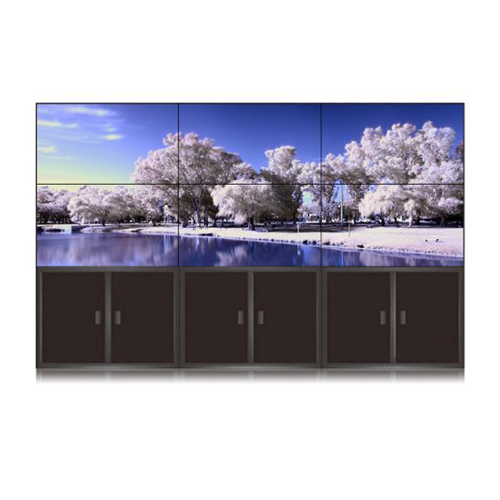
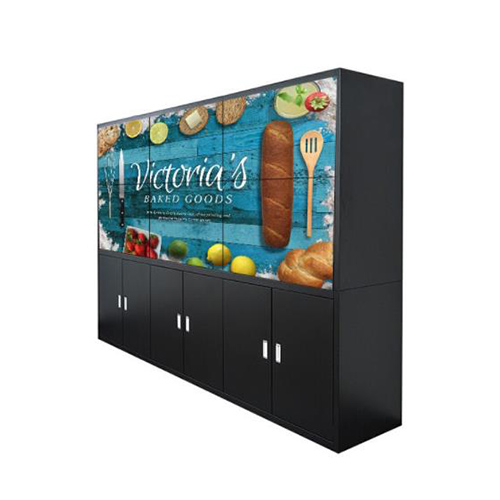
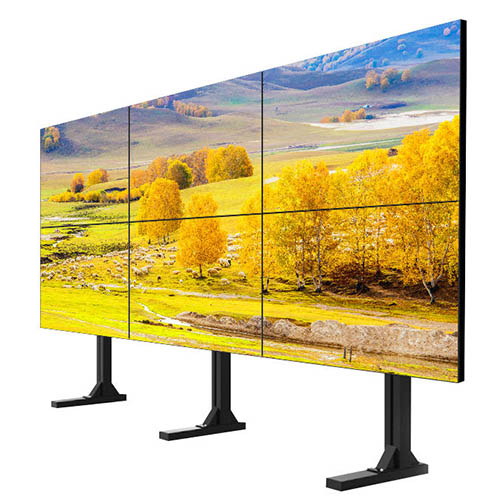
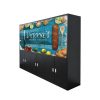

55 Inch 2×3 LCD Video Wall for Commercial Control Rooms
Description
Create a Six-Screen Control View for Commercial Facilities
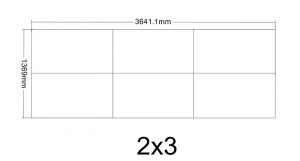
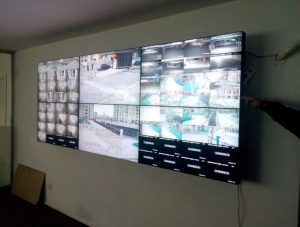
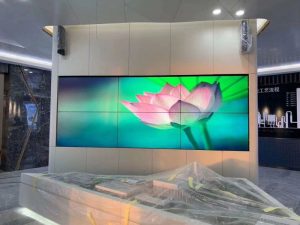
A 2×3 grid of six 55-inch displays suits shopping centers, hotels, offices, campuses and chain facilities. It can combine surveillance, access control, fire status, energy, parking and service tickets for property and security teams.
Limited screen area requires priorities. Routine mode presents critical facilities and open tasks, while an incident recalls the relevant cameras, floor plan and response record rather than crowding every system onto the wall. A 55 inch 2×3 lcd video wall commercial control room wall should highlight actions without filling the compact canvas with every platform.
Change Display Priorities by Operating Shift
Before opening, teams watch equipment startup and staff access; during business hours, they emphasize visitors, public spaces and service; after closing, perimeter, access and energy become more important. Saved scenes reduce manual searching at each shift.
Events, VIP visits and maintenance may use temporary presets but cannot remove core safety information. Record the scene owner and return time so a temporary page does not occupy the wall indefinitely. Shift presets should preserve essential safety information and include a defined owner, activation condition and return time.

Standardize Floor, Asset and Alarm Names
Surveillance, access, fire and building platforms may use different identifiers. Establish one floor, zone and asset naming system that connects the wall, work orders and physical signs and shortens fault communication.
Alarms show source, time, acknowledgement and owner. Text and icons support color, and new, active and closed states remain distinct so routine changes do not look like emergencies. Alarm layouts for the 55 inch 2×3 lcd video wall commercial control room wall should use consistent floor, zone and asset names.
Protect Public-Area Video and Operating Data
Commercial control rooms may expose customer, employee and tenant information. Role-based access protects sensitive video and records, visitor scenes hide restricted sources, and remote maintenance sees only required device information.
Critical actions and scene changes can be logged. Playback must identify source and time range so operators never confuse recorded images with the current site condition. A clear playback label protects operators from treating recorded public-area video as the current commercial-site condition.
Design a Serviceable Small-System Architecture
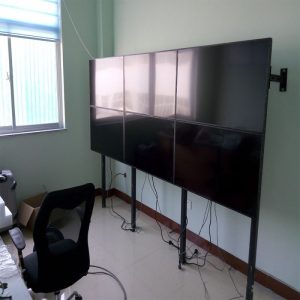
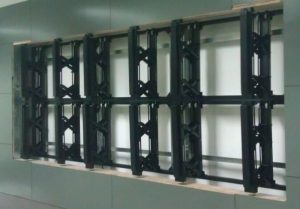
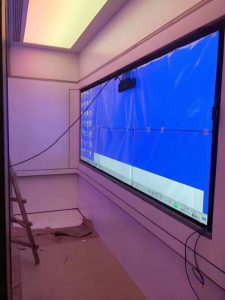
Document power, signals, ports, cables and mounting even for six panels. Planned access and routing allow one display to be serviced in a compact room without dismantling unrelated areas.
A core alarm list may use a fallback page. Back up presets and mapping before work, then verify system names, camera relationships, time, permissions and the default scene after recovery. Service records for the 55 inch 2×3 lcd video wall commercial control room wall should preserve source mapping and access permissions.
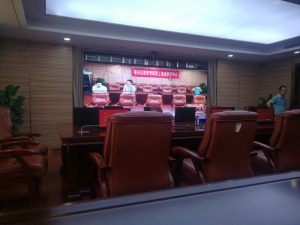
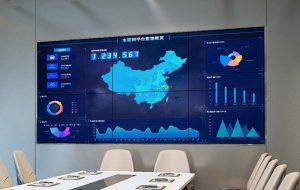
Validate the Wall with a Business-Day Incident
Simulate an access alarm, parking queue or facility fault from notification and video verification through staff dispatch, work order and closure. Security, property and technical teams should confirm that their required information appears on time.
Also test data interruption, player or processor restart and shift-scene transitions. Handover includes the source inventory, presets, accounts, daily inspection and escalation method. The business-day exercise should include property, security and technical roles so each team validates its own decision information.
Prepare a Commercial Control Room Request
Provide room dimensions, consoles, viewing distance, management platforms, video and data counts, interfaces, business hours, network security, racks, power and service direction.
Where work orders, parking, visitor or building systems need automatic integration, supply the available interface. These details define display, processing, control, mounting, transmission, commissioning and training. Verified interfaces let the 55 inch 2×3 lcd video wall commercial control room wall be quoted with clear integration responsibility, defined site-service boundaries, realistic commissioning tasks and an agreed handover plan for property, security and technical operators on every scheduled operating shift.
Frequently Asked Questions
Which commercial systems can connect to the wall?
Surveillance, access, building, parking and other platforms can connect after their outputs and permissions are confirmed.
Can each shift use a different scene?
Yes. Presets can support pre-opening, trading hours, closing and special events.
How is sensitive content protected when visitors enter?
A restricted scene and role-based access can hide protected sources.
How is playback distinguished from live video?
The layout should label playback source and time range clearly to prevent misinterpretation.
You must be logged in to post a review.
Related products
-
6×3 LCD Video Wall for Public Safety Control Rooms
Support Public Safety Duty Teams…
-

3×3 LCD Video Wall for Industrial Process Monitoring
Build the Wall Around the…
-

3×4 LCD Video Wall for Emergency Coordination Rooms
Turn Twelve Screens into an…
-

1×2 LCD Video Wall for Compact Control Rooms
Why Two Screens Work in…
Reviews
There are no reviews yet.