


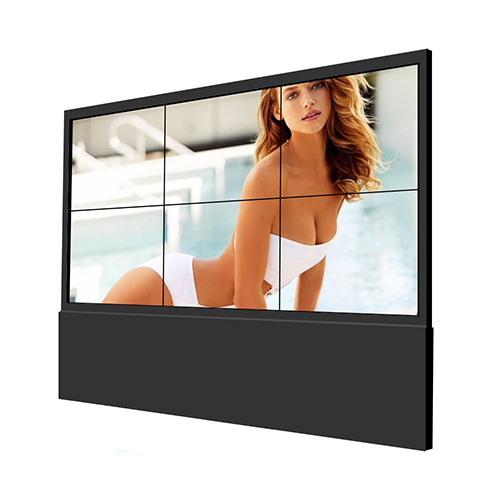

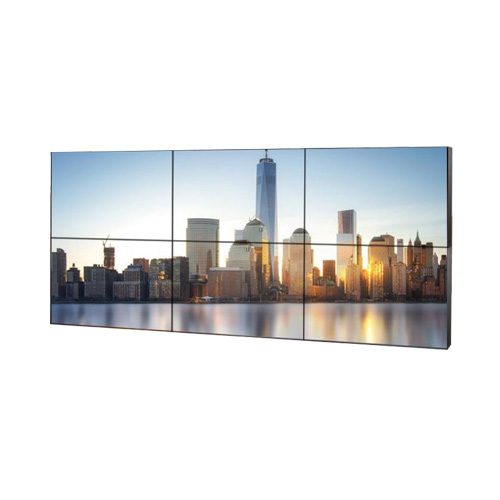




65 Inch 2×3 LCD Video Wall for Emergency Command Rooms
Description
Build a Compact Command Picture with Six Large Displays
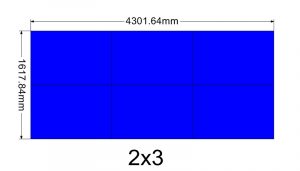
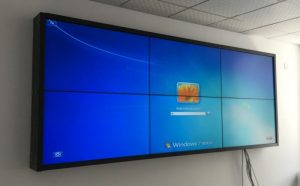
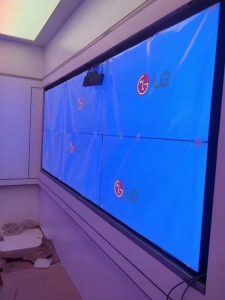
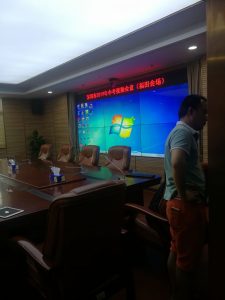
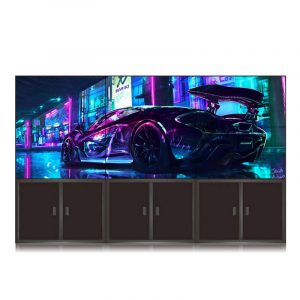
A 2×3 arrangement of six 65-inch panels suits emergency command rooms, campus duty centers and regional briefing spaces with limited wall area. Three horizontal columns can carry a map or primary incident, and two rows preserve video, resources and communications.
The design controls sightlines more easily than a very large wall while still moving a critical event from individual terminals into a shared command picture. Workflow priority matters more than displaying the greatest number of sources. A 65 inch 2×3 lcd video wall emergency command display should concentrate the incident picture without crowding a compact room.
Change Scenes through Detection, Verification and Response
The routine page shows an area overview and alarm queue; verification enlarges the map and related video; response adds resource location, ownership, communications and timeline. Presets help the room move quickly between these stages.
Every scene should retain incident ID, location, update time and current owner. Recall permissions follow the command structure, and a defined return path prevents temporary incident content from remaining after closure. Scene ownership should follow the command structure and preserve a visible path back to the approved routine overview.
Keep Maps, Video and Communications from Competing
The map area needs intact coordinates, addresses and resource markers, video windows retain source and time, and conference content must not cover essential alarms. Templates should mark safe zones across the two-row, three-column grid.
Rear positions focus on event location and action status, while detailed records stay at individual desks. Use text and icons with color so decision-makers do not depend on red and green alone. Templates for the 65 inch 2×3 lcd video wall emergency command display should protect addresses, resource markers and source timestamps.
Clarify Data Source and Information Access
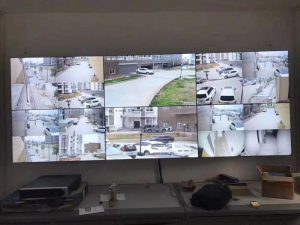
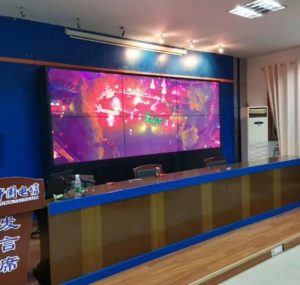
Video, GIS, alarm, facility and communication systems may update differently. The wall shows timestamps, origin and connection status, with a clear condition for stale or interrupted data.
Sensitive video, personal information and controls remain role-restricted. A masked scene supports external briefings, while preset calls and configuration changes stay available for later incident review. The data owner should define what appears when a feed becomes delayed, disconnected or unavailable during an active response.
Prepare Fallbacks for Rapid Recovery
Survey structure, power, signals, cooling and the service path for six large panels. A core map or incident list can use an alternate input or approved emergency page based on the minimum information that must survive a fault.
Coordinate panel, port and cable labels and back up controller mapping and scenes. After service, verify source, time, permission and default layout rather than checking only whether all six displays illuminate. Fallback planning for the 65 inch 2×3 lcd video wall emergency command display should begin with the minimum command information.

Commission with an Emergency Tabletop Exercise
Simulate a facility incident, severe weather or security event from alarm through verification, dispatch, conference and recovery. Check scene speed, maps, video, communications, timeline and sightlines.
Test one lost input and a controller restart. Duty, command and technical roles should jointly approve the recovery steps and receive the scene register, topology, permissions and escalation contacts. The tabletop exercise should include role handover and event closure instead of ending when the first response action succeeds.
Match the Proposal to the Risk Objective
Provide room dimensions, consoles, viewing distance, event types, connected systems, simultaneous windows, operating hours, racks, power, network and security rules.
Select redundancy from the information that must remain visible and the permitted recovery time. The proposal should separate panels, processing, control, mounting, transmission, spares, commissioning and training. Risk and recovery targets allow the 65 inch 2×3 lcd video wall emergency command display to receive a proportionate proposal with clearly separated core and optional resilience measures.
Frequently Asked Questions
How many displays are used in a 2×3 wall?
The configuration contains six 65-inch panels.
Is this layout suitable for a smaller command room?
It can be, after checking the room width, consoles, viewing distance and installation depth.
Can maps, video and conferencing appear together?
Yes. Processing can divide the canvas according to the actual source schedule.
Must every component be redundant?
Not necessarily. Backup scope should follow essential content and the agreed recovery target.
You must be logged in to post a review.
Related products
-

2×1 Vertical LCD Video Wall for Retail Stores
Use Vertical Space for a…
-

2×3 LCD Video Wall System for Control Rooms
Six Panels for Continuous Monitoring…
-
3×5 Floor Standing LCD Video Wall for Energy Control Rooms
Why a Floor Cabinet Fits…
-

2×4 LCD Video Wall System for Surveillance Centers
Eight Panels for a Clear…
Reviews
There are no reviews yet.